Basic Setting Configuration
86
replace digit 2 with 011 when dialing.
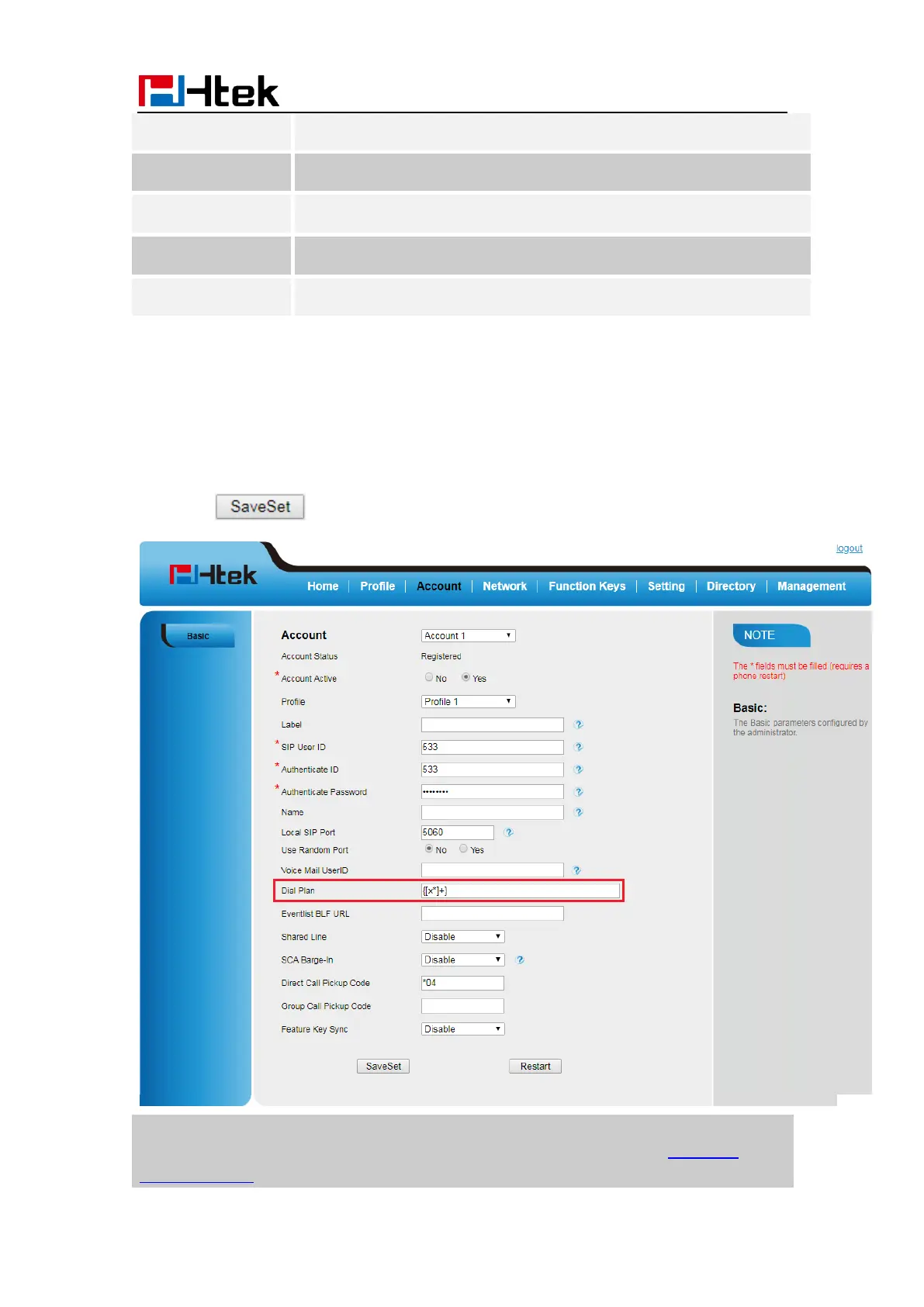
To configure dial plan via Web interface:
1. Click Account—Advanced—Dial Plan.
2. Filled the value in dial plan field.
3. Click to save the configuration.
Note:
Illegal input will fall back to default: {[x*]+}. For More, please refer to dial plan on
www.htek.com



 To Next Page