Huawei Proprietary and Confidential
Copyright © Huawei Technologies Co., Ltd.
To upgrade controller programs, perform the following steps:
After the system is restarted, do not power off the system within 5 minutes. Otherwise, the
system fails to be upgraded.
Do not use the element management system (EMS) or remote to start the NetCol5000-C
during upgrade.
After the USB flash drive is successfully connected to the display panel, is displayed in the
status bar.
Controller programs can be upgraded only when the device is shut down completely.
1. Copy the update file to the USB flash drive. Format the file system of the USB flash
drive to FAT or FAT32. Insert the USB flash drive into the USB port on the display
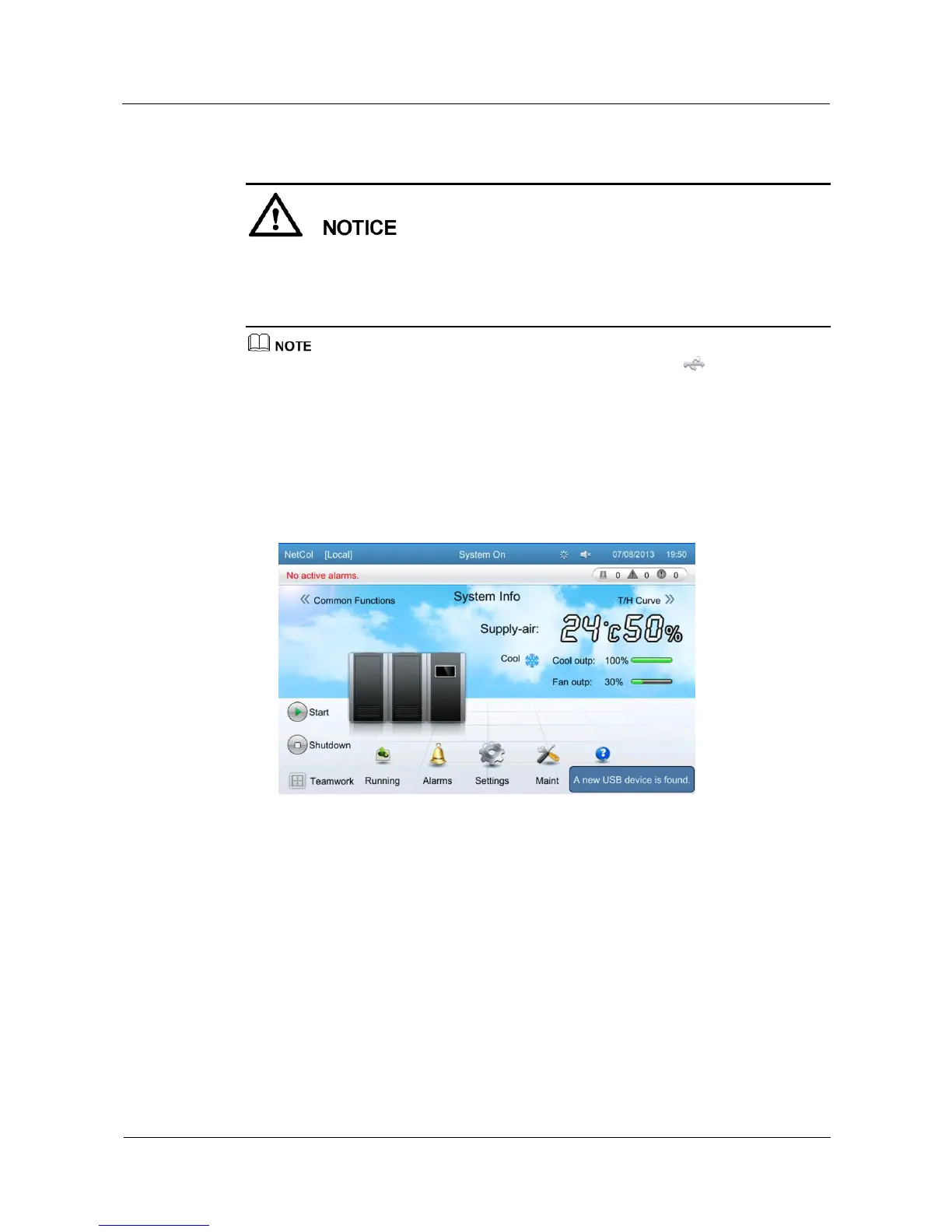
panel. If the USB flash drive is successfully identified, the following message is
displayed, as shown in Figure 5-57.
Figure 5-57 Message displayed after the USB flash drive is identified
2. Tap Maint > USB Operations > Version Upgrade on the home screen. The following
screen is displayed, as shown in Figure 5-58.







 To Next Page