Huawei Proprietary and Confidential
Copyright © Huawei Technologies Co., Ltd.
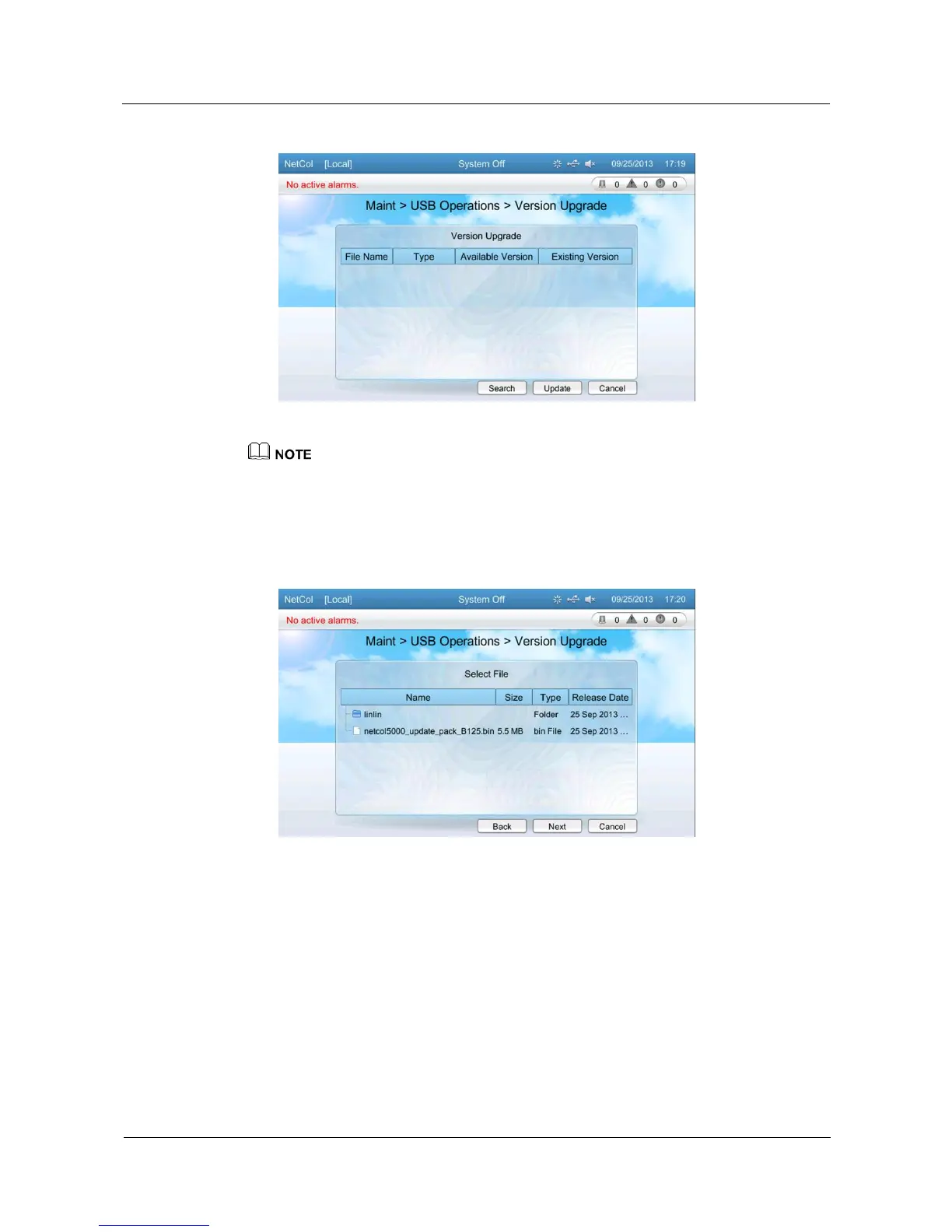
Figure 5-58 Screen for upgrading software
If you need to use the version update, please log in by the Admin user permission.
3. Tap Search, the Select File screen is displayed. The system scans the USB flash drive
for files and displays the identified files in the Select File screen, as shown in Figure
5-59. Tap the update file and then tap Next to upload the file, as shown in Figure 5-60.
Figure 5-59 File Selection







 To Next Page