Huawei Proprietary and Confidential
Copyright © Huawei Technologies Co., Ltd.
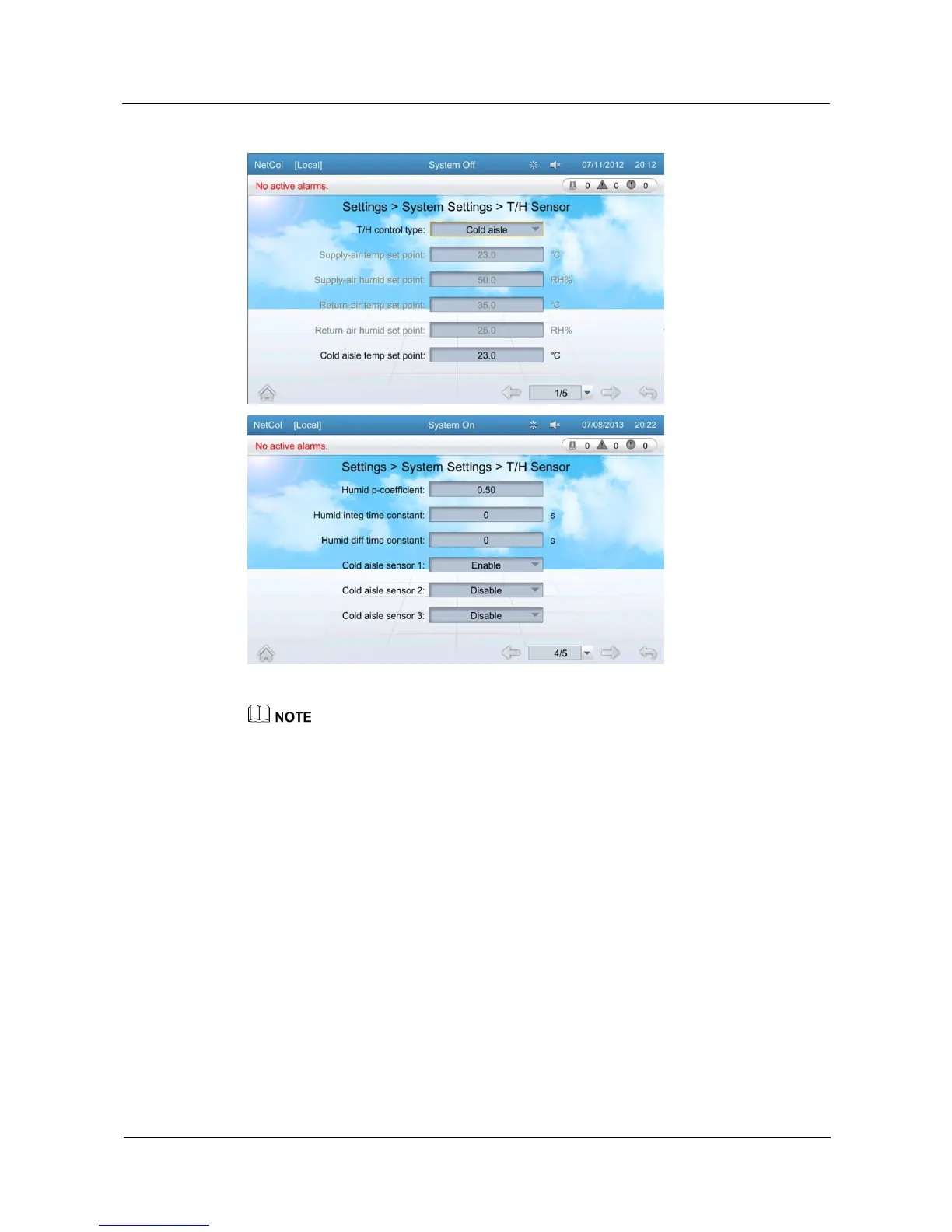
Figure 5-31 T/H Sensor
The Guest user can only query parameters on the temperature control screen. If you need to change
parameter values, log in as the Operator user or other types of users that have higher permission.
T/H control type is set to Supply-air by default.
You can only set the temperature and humidity set point whose control type are the same as the T/H
control type. Other Temperature and humidity set points are displayed in gray.
CW Valve
On the CW valve screen, you can configure the max adjust step, min valve opening for dehum,
anti-cond val regu ratio, and temp diff at no refrig.
Tap Settings > System Settings > CW Valve on the home screen to enter the CW valve
screen, as shown in Figure 5-32.







 To Next Page