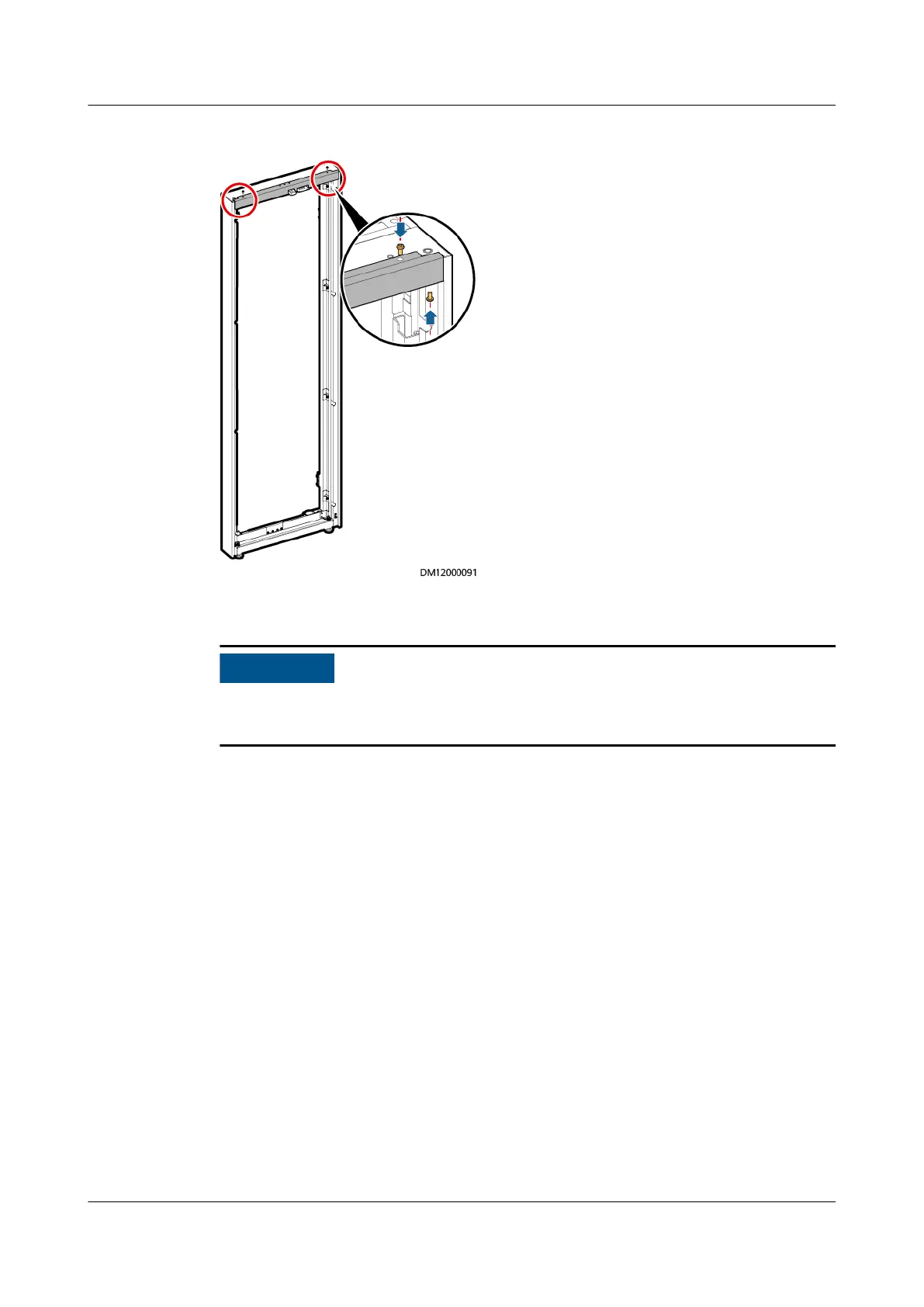
Figure 3-15 Installing the upper sealing plate for a tail frame
Step 3 Open the rear door of the UPS and remove it.
When removing the cabinet rear door, remove the ground cable between the
cabinet and the rear door from the cabinet.
UPS5000-E-(30 kVA–180 kVA)
User Manual (Integrated UPS) 3 Installation
Issue 02 (2022-12-30) Copyright © Huawei Digital Power Technologies Co., Ltd. 62












 To Next Page