Quidway NetEngine80
Configuration Guide - Basic Configurations 9 Telnet and SSH
Issue 04 (2009-12-20) Huawei Proprietary and Confidential
Copyright © Huawei Technologies Co., Ltd.
9-29
Debugging SSH
Debugging affects the performance of the system. So, after debugging, run the undo
debugging all command to disable it immediately.
When a fault occurs, run the debugging command in the user view to locate the fault. For the
procedure of displaying the debugging information, refer to the Configuration Guide - System
Management.
Action Command
Enable the debugging of the
SSH function.
debugging ssh server { vty index | all }{ message | event |
packet | all }
9.8 Configuration Examples
9.8.1 Example for Configuring Telnet Terminal Services
Networking Requirements
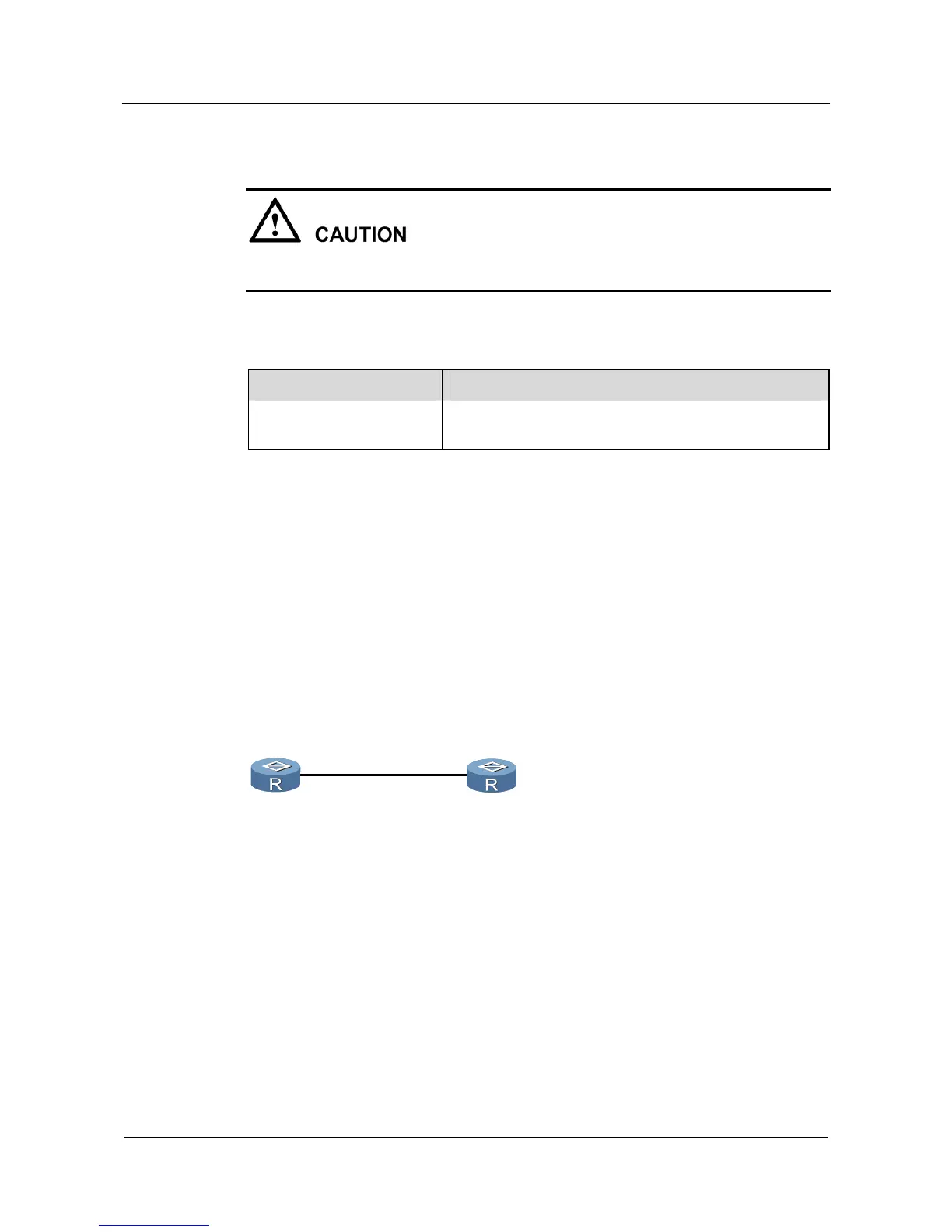
As shown in Figure 9-6, Router A and Router B can ping through each other. Users can log in
to Router B from Router A through Telnet.
Figure 9-6 Networking diagram of the Telnet terminal services mode
GE1/0/0
1.1.1.1/24
GE1/0/0
1.1.1.2/24
RouterB
RouterA
Configuration Roadmap
The configuration roadmap is as follows:
1. Configure the authentication mode and the password of the user interface VTY0 to
VTY4 on Router B.
2. Users need to input the password when they log in to Router B from Router A through
Telnet.
Data Preparation
To complete the configuration, you need the following data:



 To Next Page