9
UPDATING THE FIRMWARE
9-4
■ Updating the rmware
L These instructions are based on Microsoft
®
Windows
®
10.
1. Downloading the rmware le
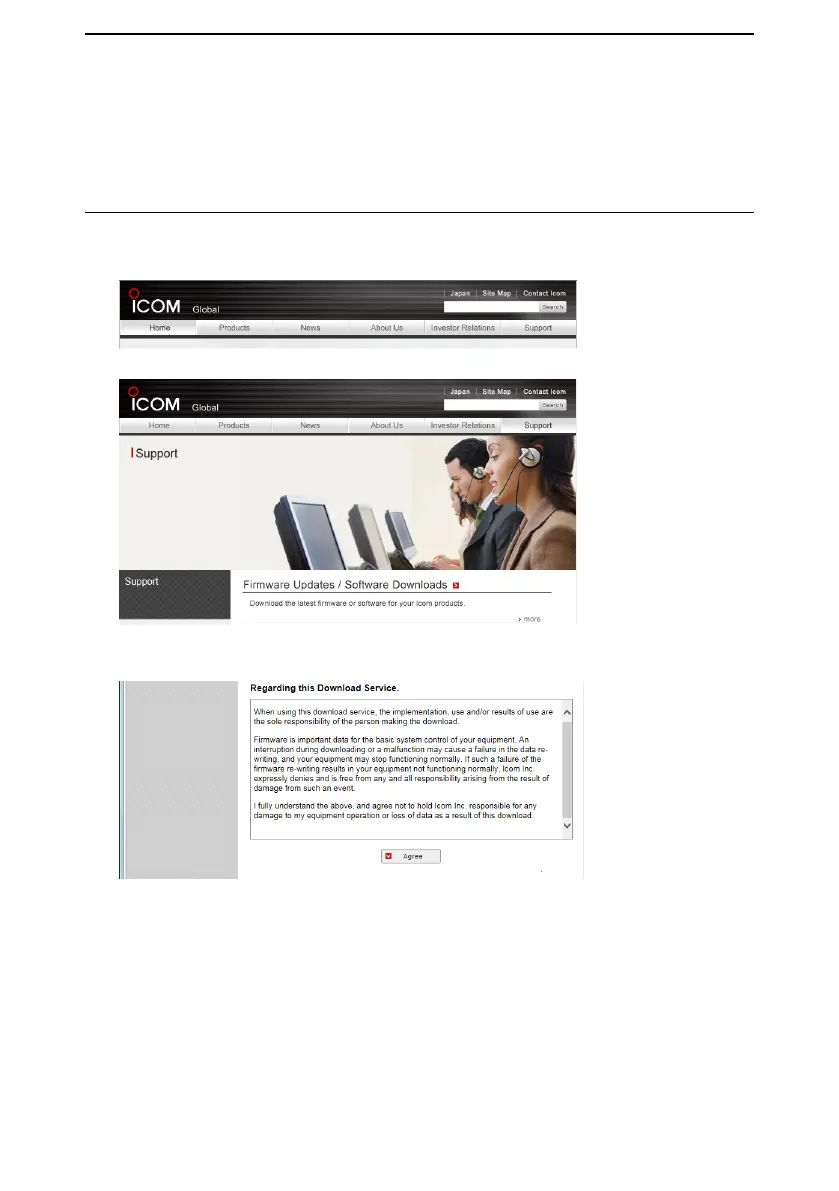
1. Access the following URL and download the firmware file.
http://www.icom.co.jp/world/
2. Click <Support>.
3. Click “Firmware Updates/Software Downloads.”
4. Click the desired firmware file link.
Read “Regarding this Download Service” carefully, and then click <Agree>.
5. Click “Save as” in the displayed File Download dialog.
6. Select the location where you want to save the firmware, and then click <Save> in
the displayed File Download dialog.
• The le starts downloading.
• The rmware and the rmware utility are compressed in a “zip” format folder. Unzip it
before using.



 To Next Page