10
Enter the Setting Mode
“Enter setup” barcode will emerge in this and the following chapters of manual, the
Inateck P6 scanner will go into setting mode once this barcode is scanned successfully.
Once the barcode is scanned successfully, the Inateck P6 Barcode Scanner will respond
with three chord sounds, and the LED2 indicator will be on with color becoming blue.
Enter setup
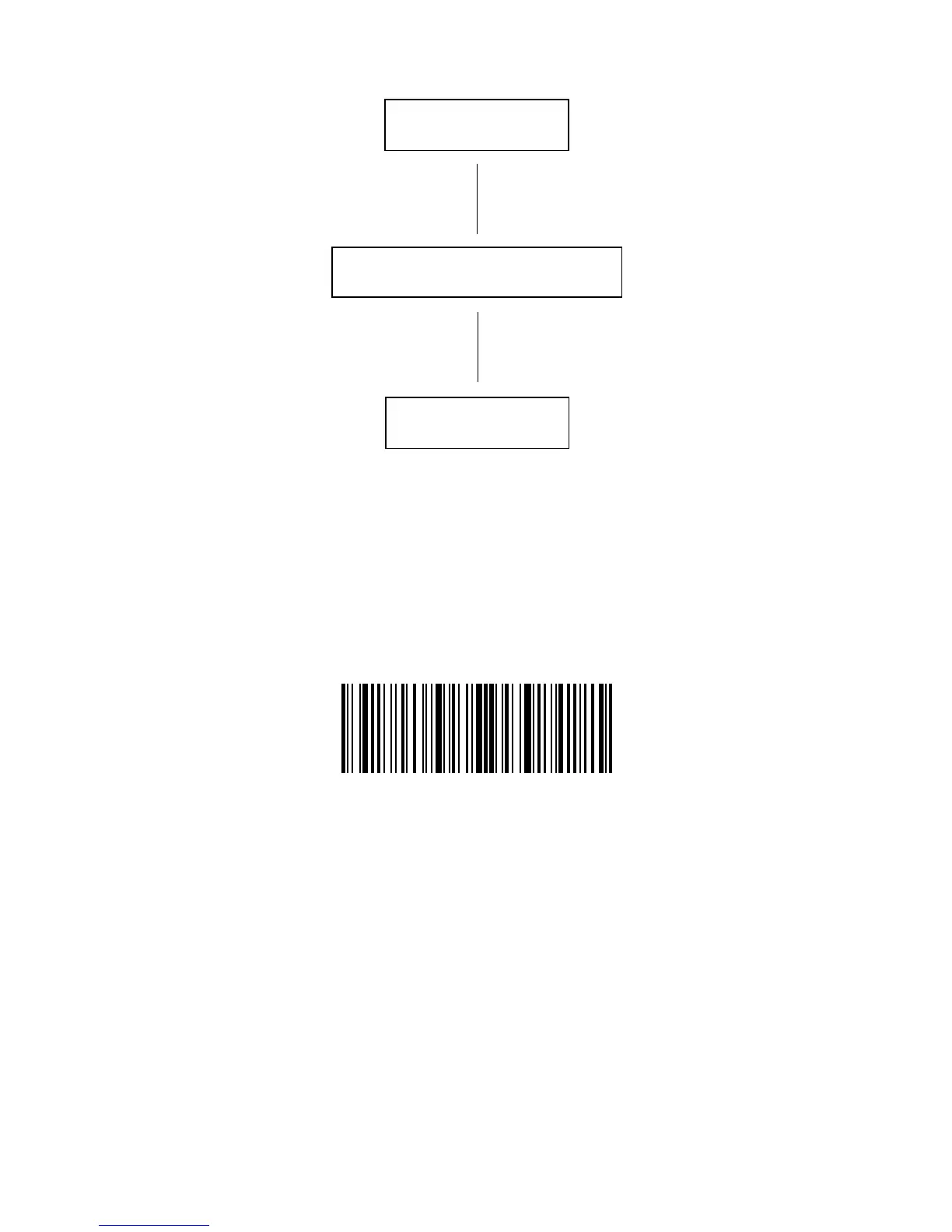
The ow chart of Setup
Enter setup
Exit with save
Read a Setup barcode
Instruction below will explain other function settings of the Inateck P6 Barcode scanner.



 To Next Page