12
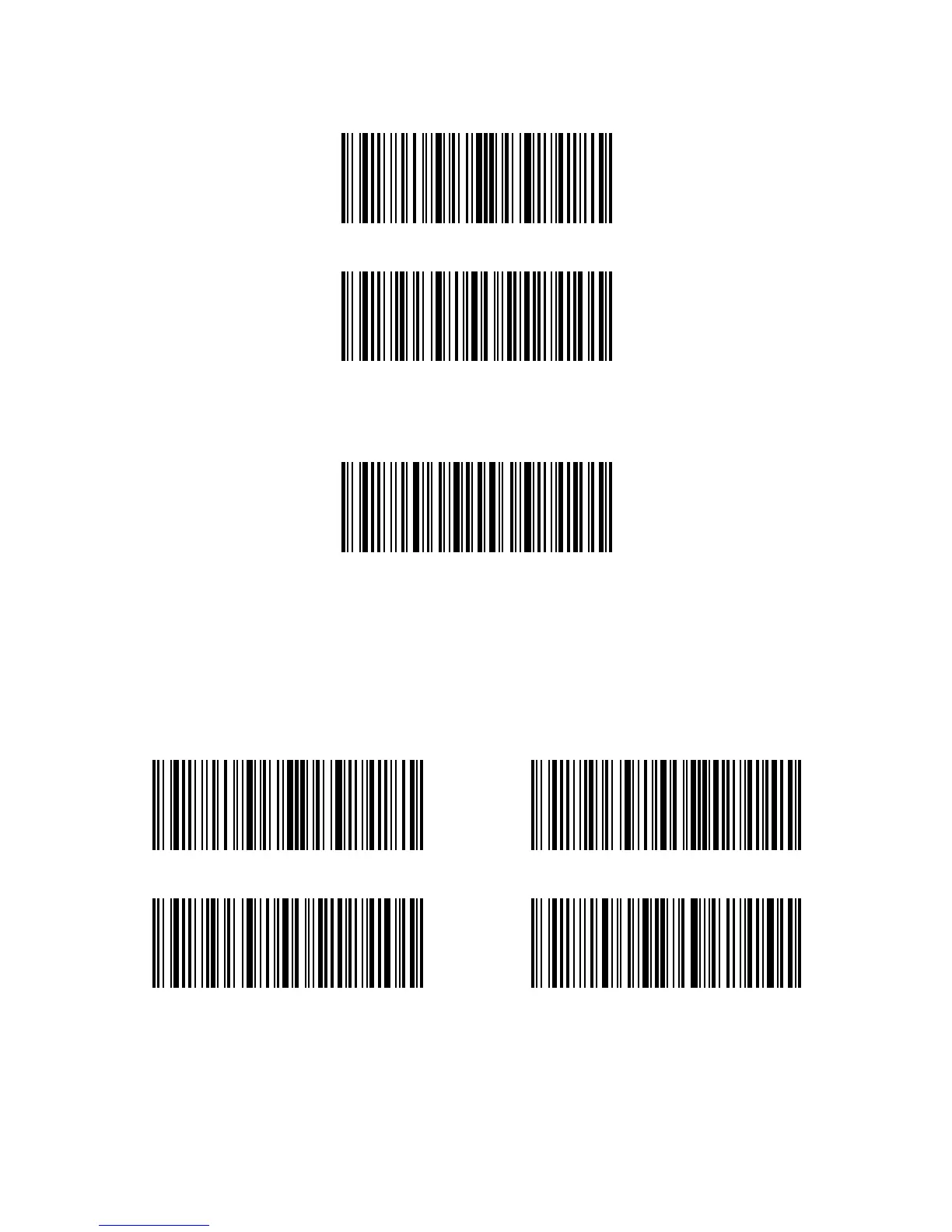
Enter Setup
Output Software Version
Exit without Save
Enter Setup
Save Custom Settings
Output Code ID
Exit with save
Check Software Version
If you want to check the software version of Inateck P6, you should scan the “Enter Setup”
and “Output Software Version” barcode:
Checking the software version is usually done in the enter setup mode, so it is necessary
to scan “Exit without Save” barcode after the software version outputs.
Save Custom Settings
1. You may change factory defaults and customize some functions suitable for your own
applications when using the inateck P6. You need scan ‘Enter Setup’ → ‘Function setup
barcode you want to customize(e.g.: Output Code ID)’ → ‘Save Custom Settings’ → ‘Exit
with Save’ barcodes in turn to set the function well.



 To Next Page