44
3.7. EAN-13
3.7.1. Enable / Disable EAN-13
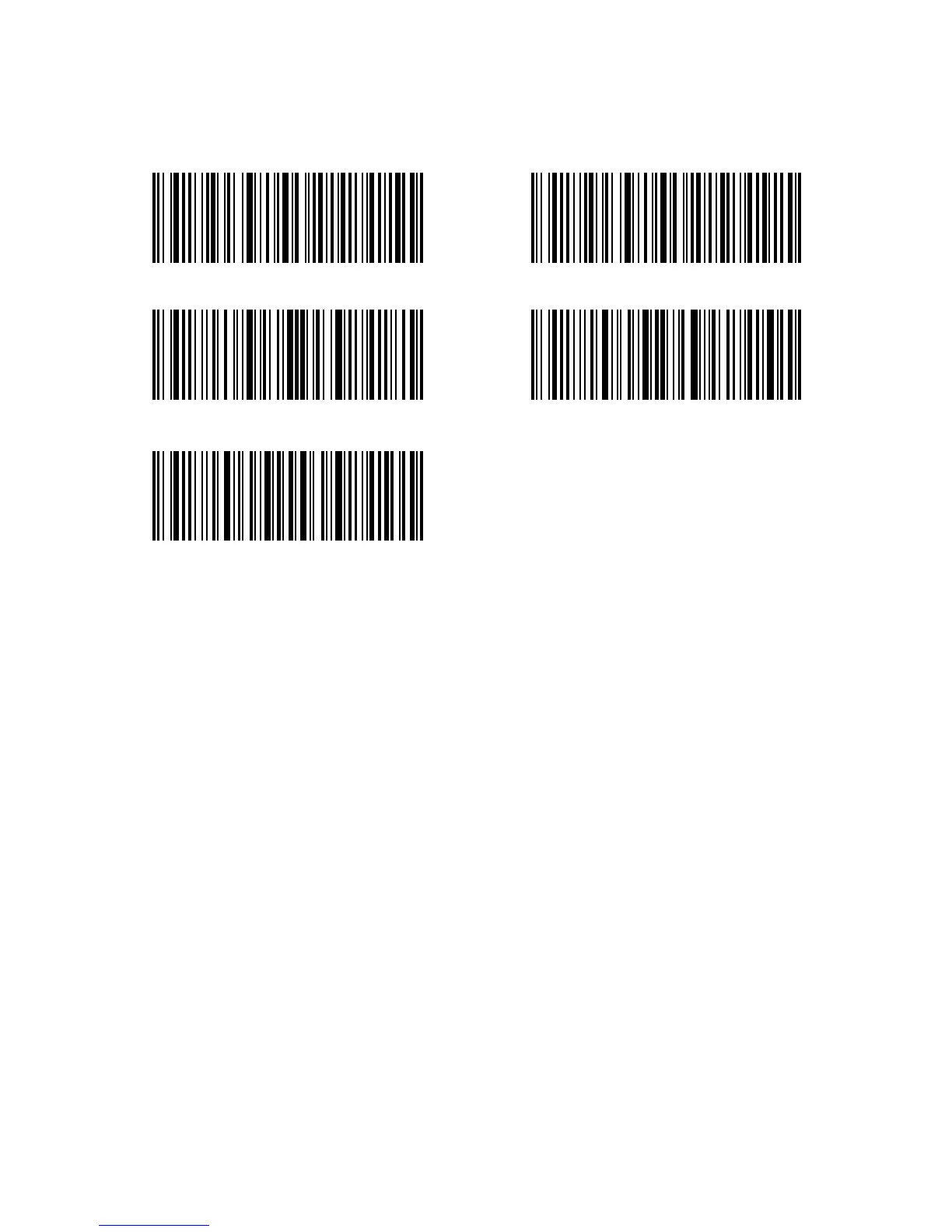
Decide whether to read EAN-13 via selecting correspondent barcode below to scan.
Inateck P6 defaults enable EAN-13.
Operations are as below if you want to enable EAN-13:
1. Read the "Enter Setup" barcode;
2. Read the "Enable EAN-13" barcode;
3. Read the "Exit with Save" barcode.
Enable EAN-13 Disable EAN-13
Enter Setup
Exit without Save
Exit with Save



 To Next Page