14
Chapter 1 Features and Basic Setups
This chapter introduces the features and usage of the barcode Scanner.
1.1. Battery
The scanner is powered by 2600mAh chargeable Lithium batteries. The large capacity
of batteries enables the scanner to work continuously for 150 hours, or to read 180 000
barcodes (read barcode Code 128 every 3s).
1.1.1. Mounting the battery (charging)
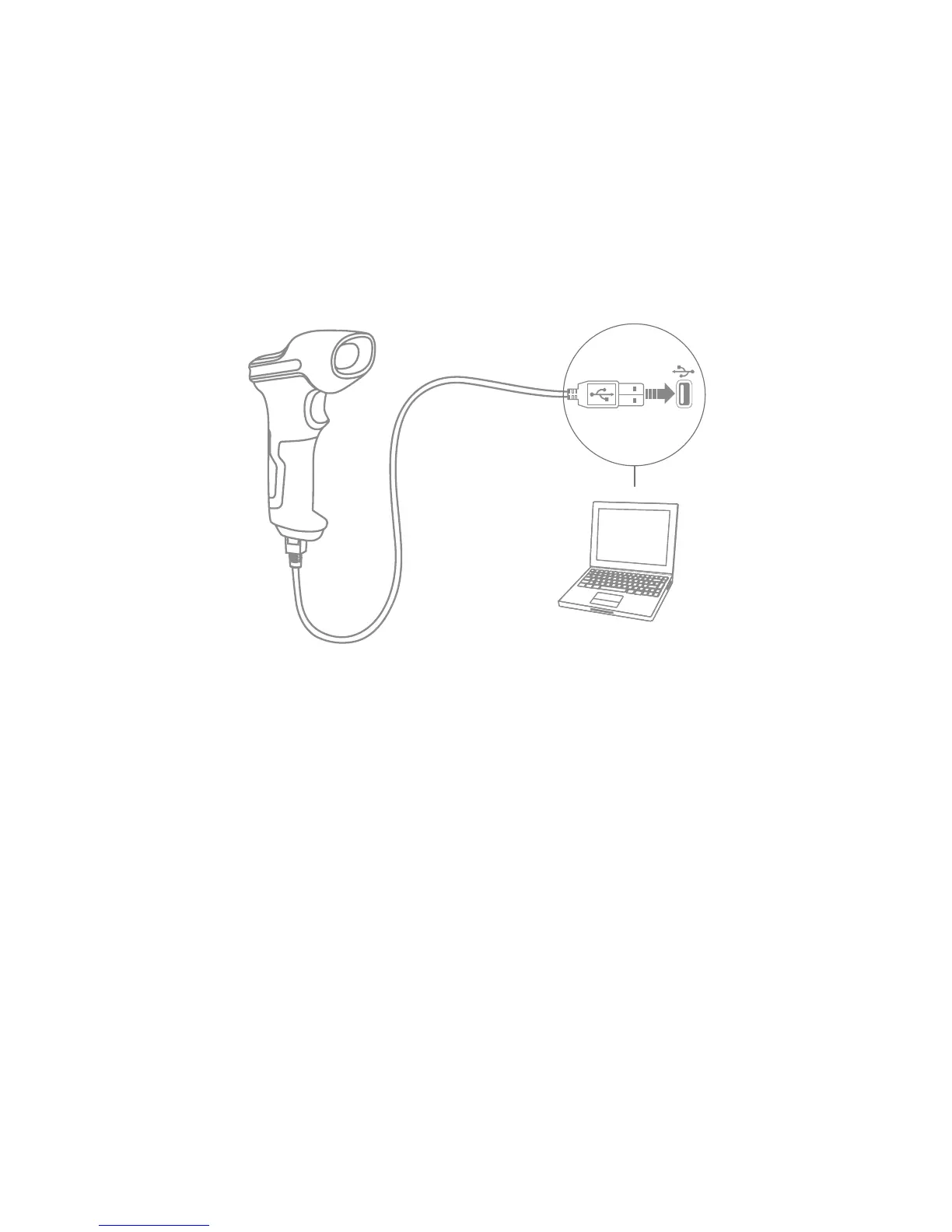
Insert USB cable into the bottom of the scanner for charging. The red LED1 indicator will
be on during charging, and it will go o when the scanner is fully charged.
1.1.2. Basic operation of Inateck P6 Barcode Scanner
Turn on the scanner
Switch the Power Switch to “On” mode to get the scanner turned on.
Scan barcode
Click the Trigger (the scan button), and Inateck P6 will emit a red laser.
Turn o the scanner
Switch the Power Switch to “O” mode to turn the scanner o.



 To Next Page