74
4.5. Letter Case Setting
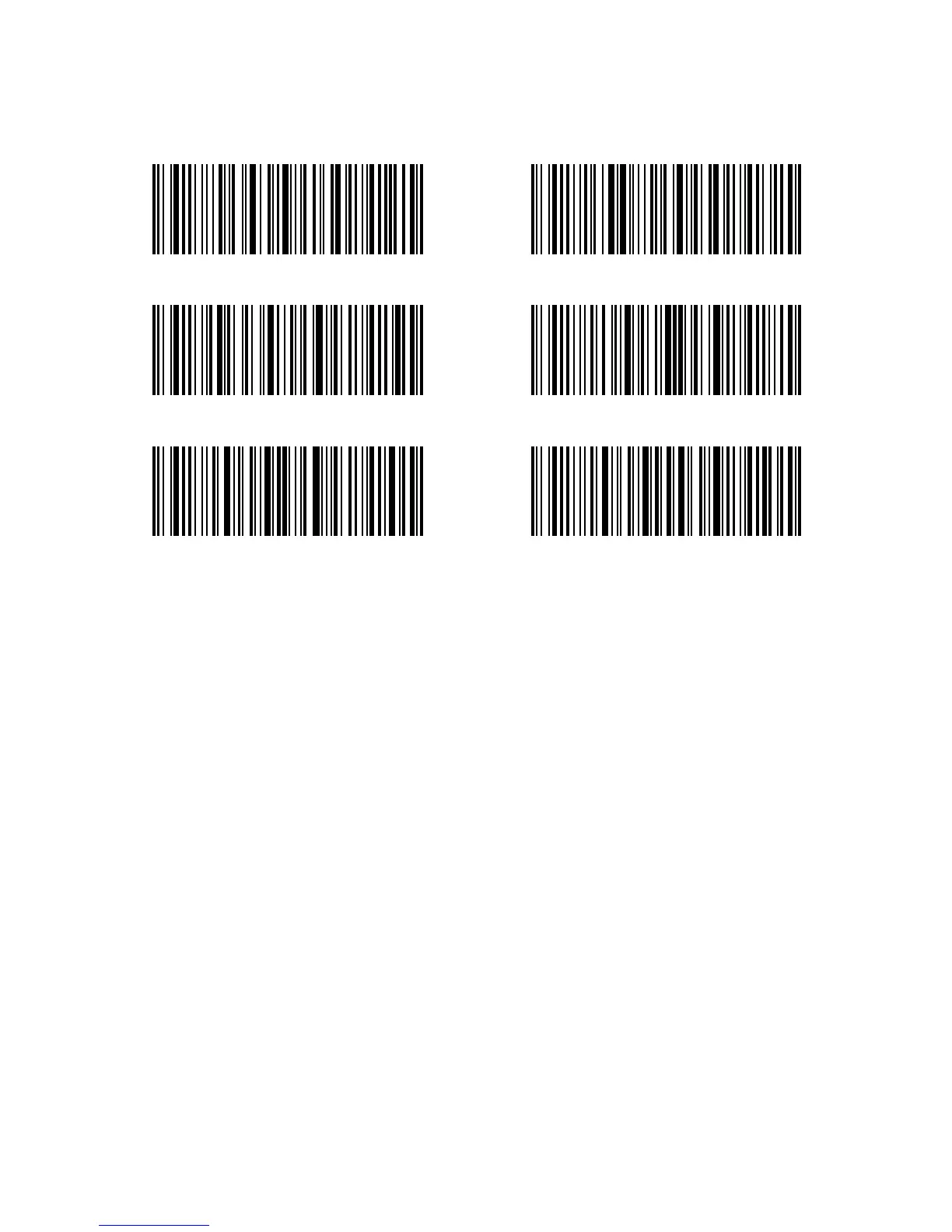
Inateck P6 can change all the letter cases of barcode into uppercase or lowercase. Though
it takes “Not to Alter the Letter Case of barcodes” as default, letter case of barcodes can be
altered through scanning correspondent bar code below.
Steps to alter letter case of barcodes into uppercase are as below:
1). Read the "Enter Setup" barcode;
2). Read the "Alter to Uppercase" barcode;
3). Read the "Exit with Save" barcode.
Alter to Uppercase Alter to Lowercase
(*) Not to Alter the Letter Case
Exit with Save Exit without Save
Enter Setup



 To Next Page