23
1.5.3. Continuous Scanning Mode
There’s no need to click Scan Trigger in this mode, As the laser of the scanner will be on
and the scanner will enter into scanning mode automatically.
The laser of the scanner will not go o until Inateck P6 scans barcode. And the laser will
go o once the scanner scans barcode successfully. And then the scanner will go into
waiting mode, in which the waiting time(also known as intermittent time of continuous
scanning), usually defaults to 2 seconds, can be set to 400ms, 800ms,1s,2s,3s,5s, 10s and
15s.
And the laser of the scanner will be on again once the waiting time passes. And it will
only goes o when the scanner scans barcode successfully. And it will go back and forth
like this.
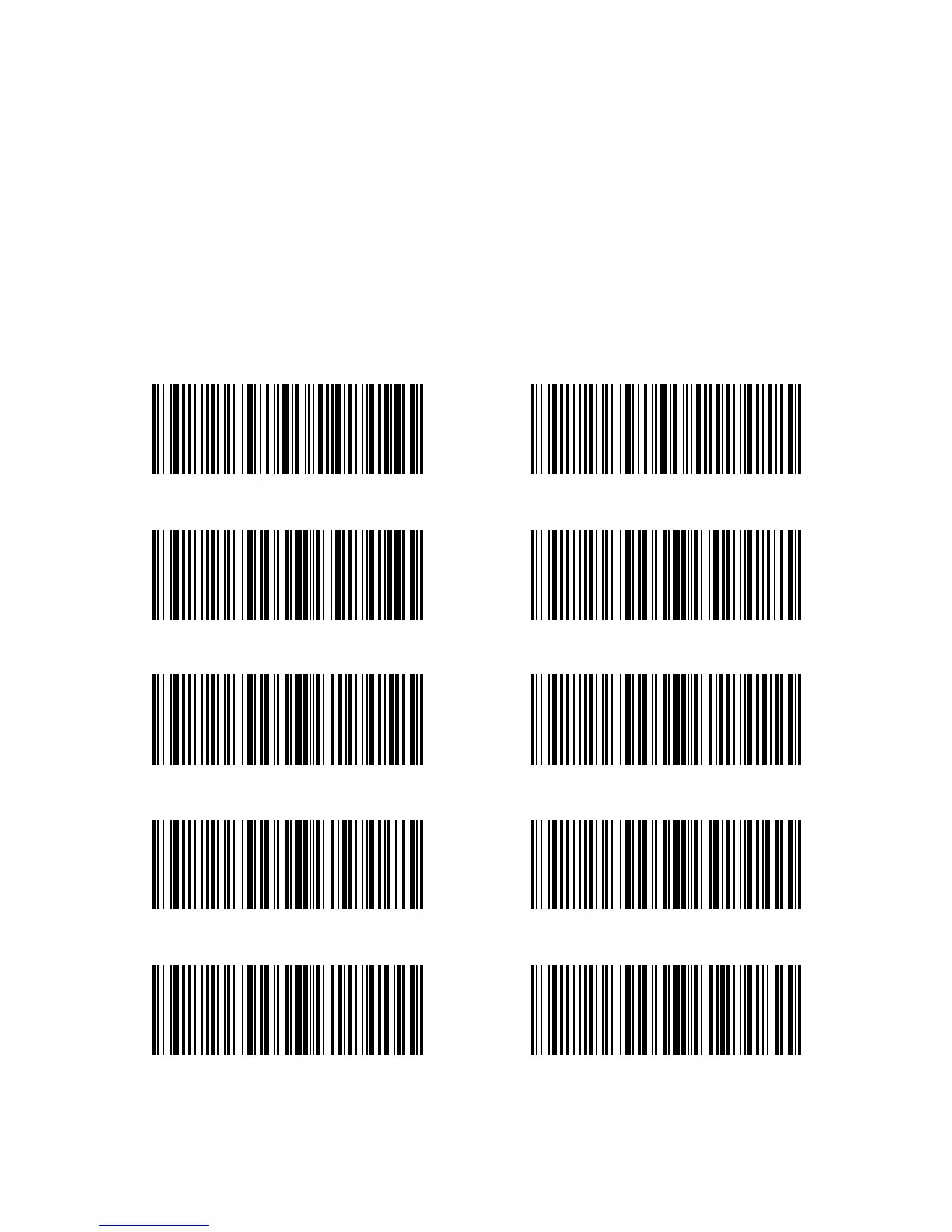
Continuous scanning mode
400ms
10s
1s
3s
Setup Intermittent time of Continuous scanning
5s
800ms
15s
(*)2s



 To Next Page