77
4.7. Separator
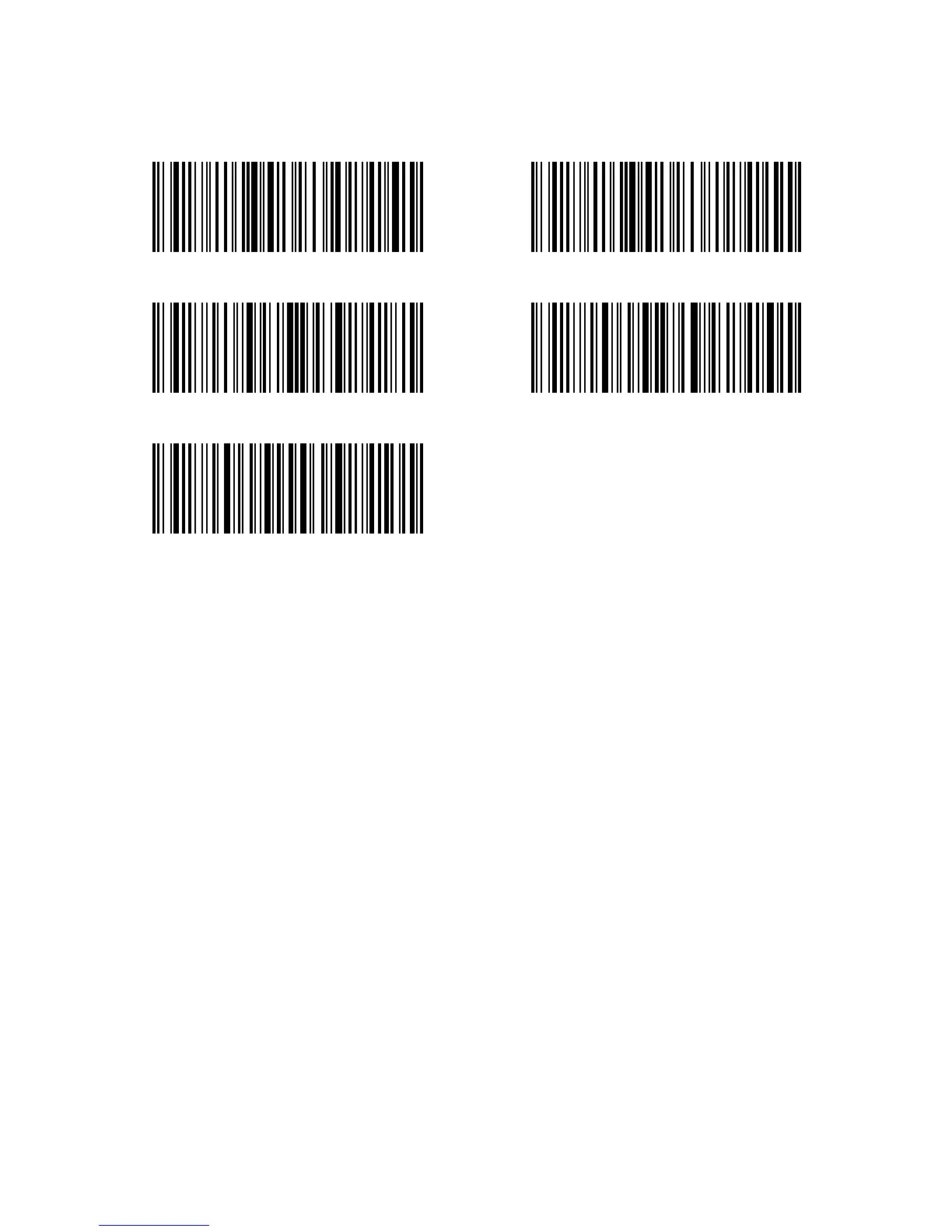
Decide whether to add separator “-” between a barcode data by selecting barcodes
below to scan. This setting is only available for additional code, ISBN code and ISSN code.
The Inateck P6 defaults to “Disable separator”.
Steps to enable separator are as below:
1) Scan “Enter setup” Barcode;
2) Scan “Enable Separator” Barcode;
3) Scan “Exit with Save” Barcode.
Enable Separator (*) Disable Separator
Enter Setup
Exit without Save
Exit with Save



 To Next Page