2.3 Removing and Installing the Air Duct
Always operate your compute module with the air duct in place. The air duct is required for proper airflow
within the compute module. Intel® Server Board S7200AP. Section 2.3 applies to both server compute
module.
2.3.1 Removing the Air Duct
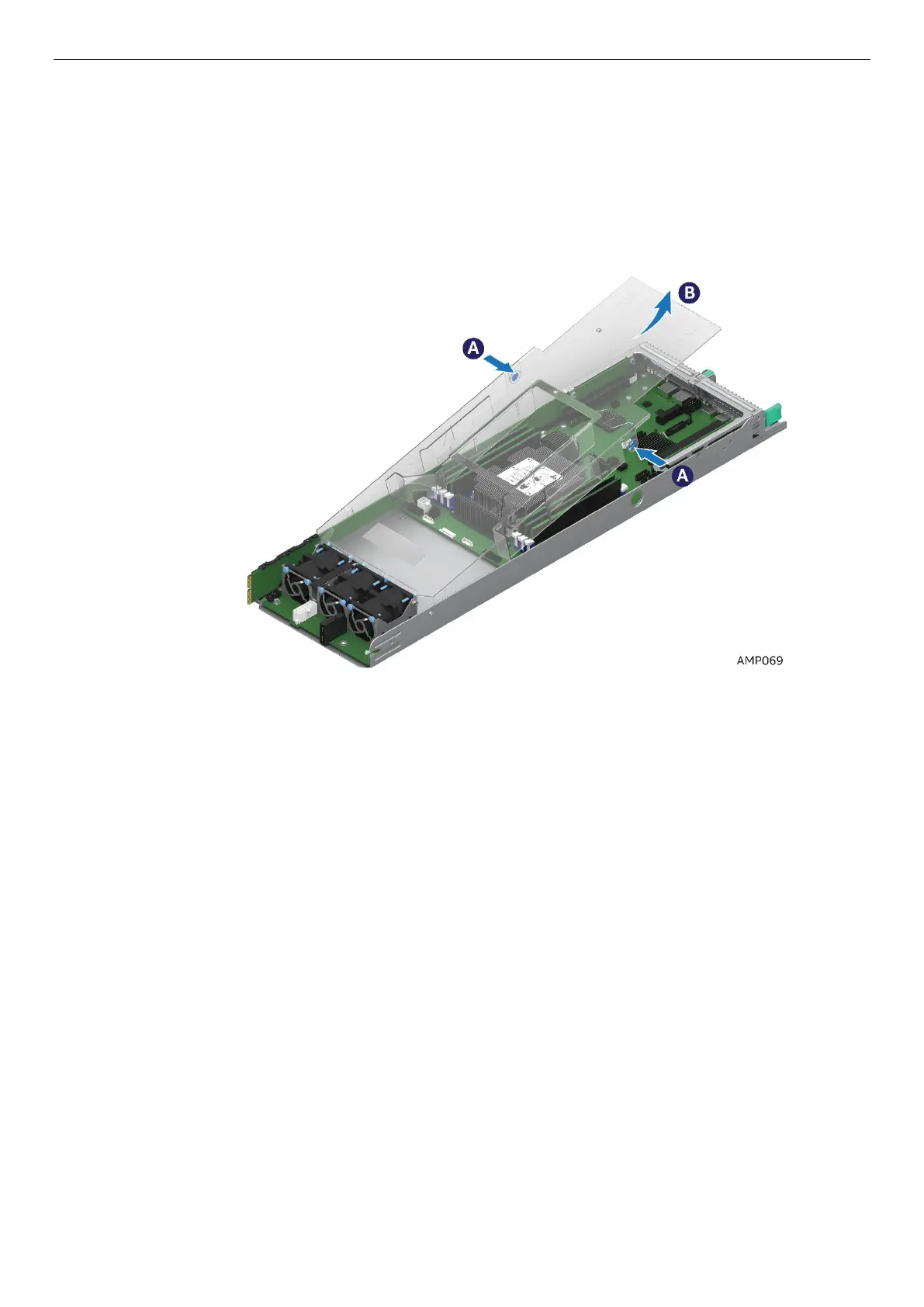
1. Press and hold both the left and right side buttons of the air duct (See letter A).
2. Rotate the air duct more than 45 degrees and pull it out. (See letter B).
Figure 12. Removing the Air Duct



 To Next Page