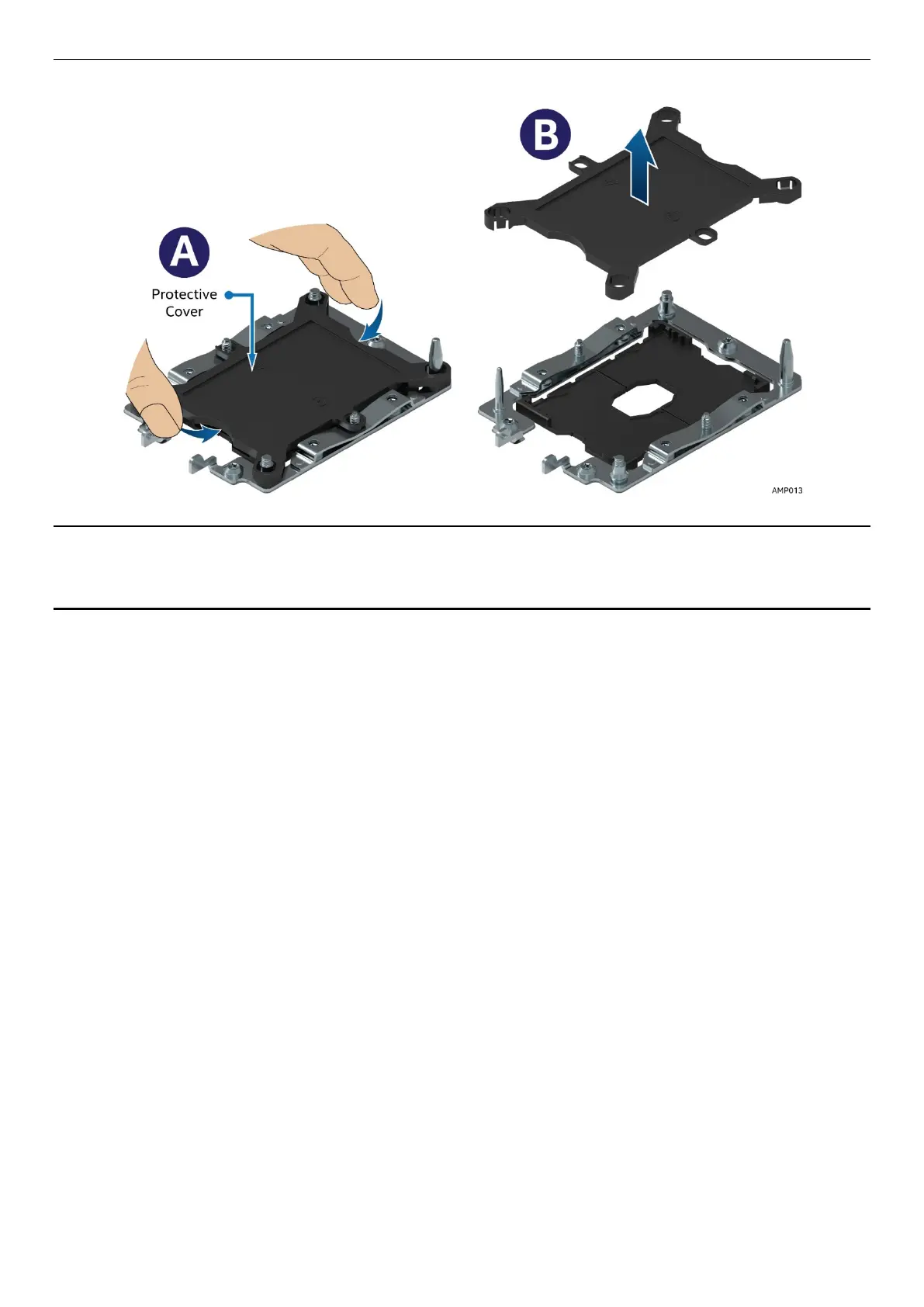
1. Remove the plastic processor socket cover. Grasp the socket cover using the finger grips on each end
as shown in the following figure, (See letter A) then carefully pull up to remove (See letter B).
Figure 24. Plastic processor socket cover removal
NOTE: The processor socket cover should be saved for future use.
CAUTION: When re-installing the socket cover, make sure it properly snaps into place. Improper
installation will cause it to become loose and damage the processor socket.
2. Install PHM to Processor socket.
a. Align the mounting holes of the PHM (located on diagonal corners) to the bolster plate guide pins
of the processor socket as shown in the following figure.



 To Next Page