2.16 Replacing the Fan
2.16.1 Removing the Fan
1. Remove the air duct. See section 2.3.1.
2. Disconnect the fan cables from the power docking board.
3. Pull out the blue rivets from the fan bracket to release the fan.
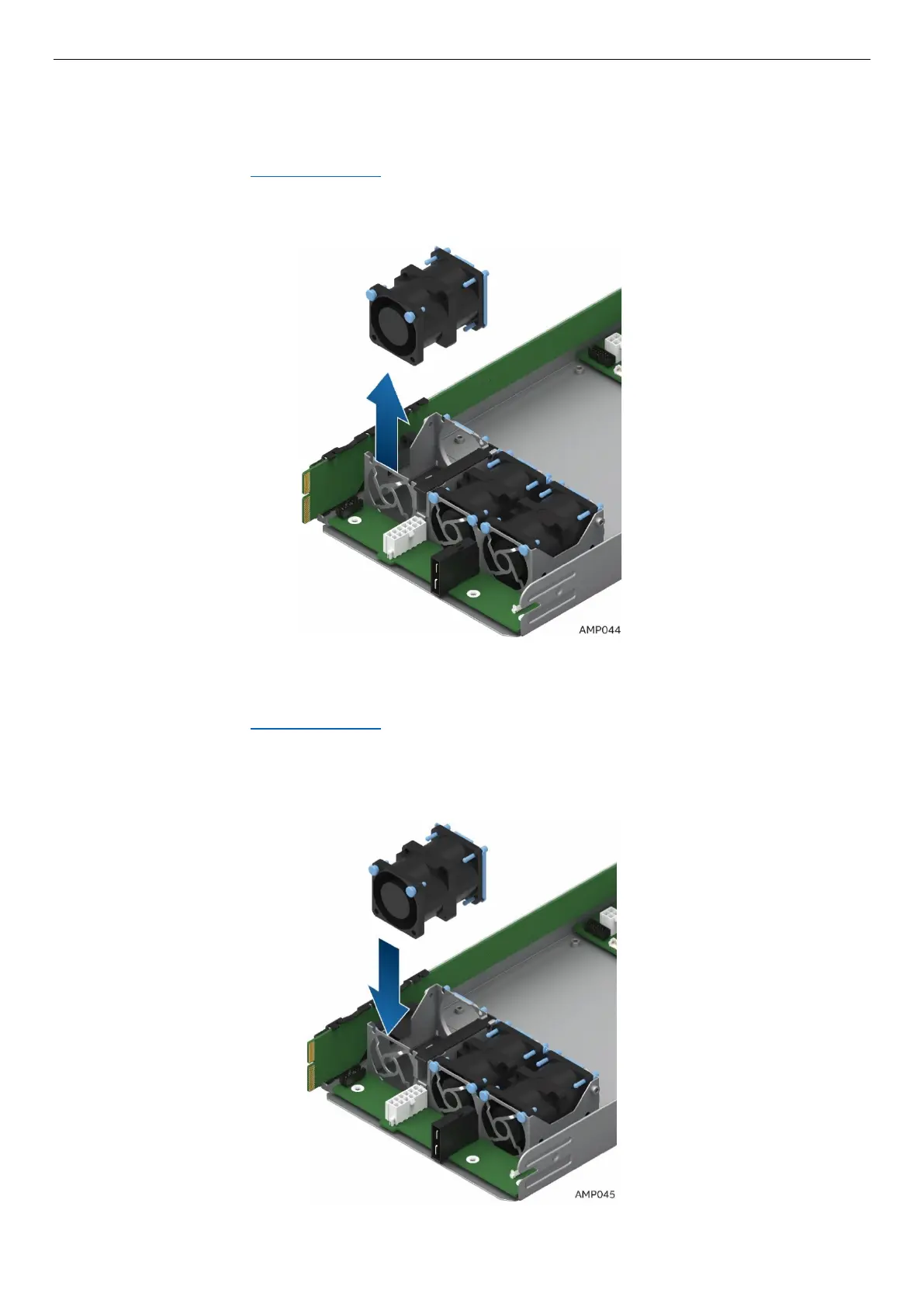
4. Grasp the fan from the top and pull it out of the fan bracket.
Figure 83. Removing the Fan
2.16.2 Installing the Fan
1. Remove the air duct. See section 2.3.1.
2. Place the fan into the fan bracket.
3. After fans are seated, push in on the blue rivets to secure them into the bracket.
4. Connect the fan cables to the connectors on the power docking board.
Figure 84. Installing the Fan



 To Next Page