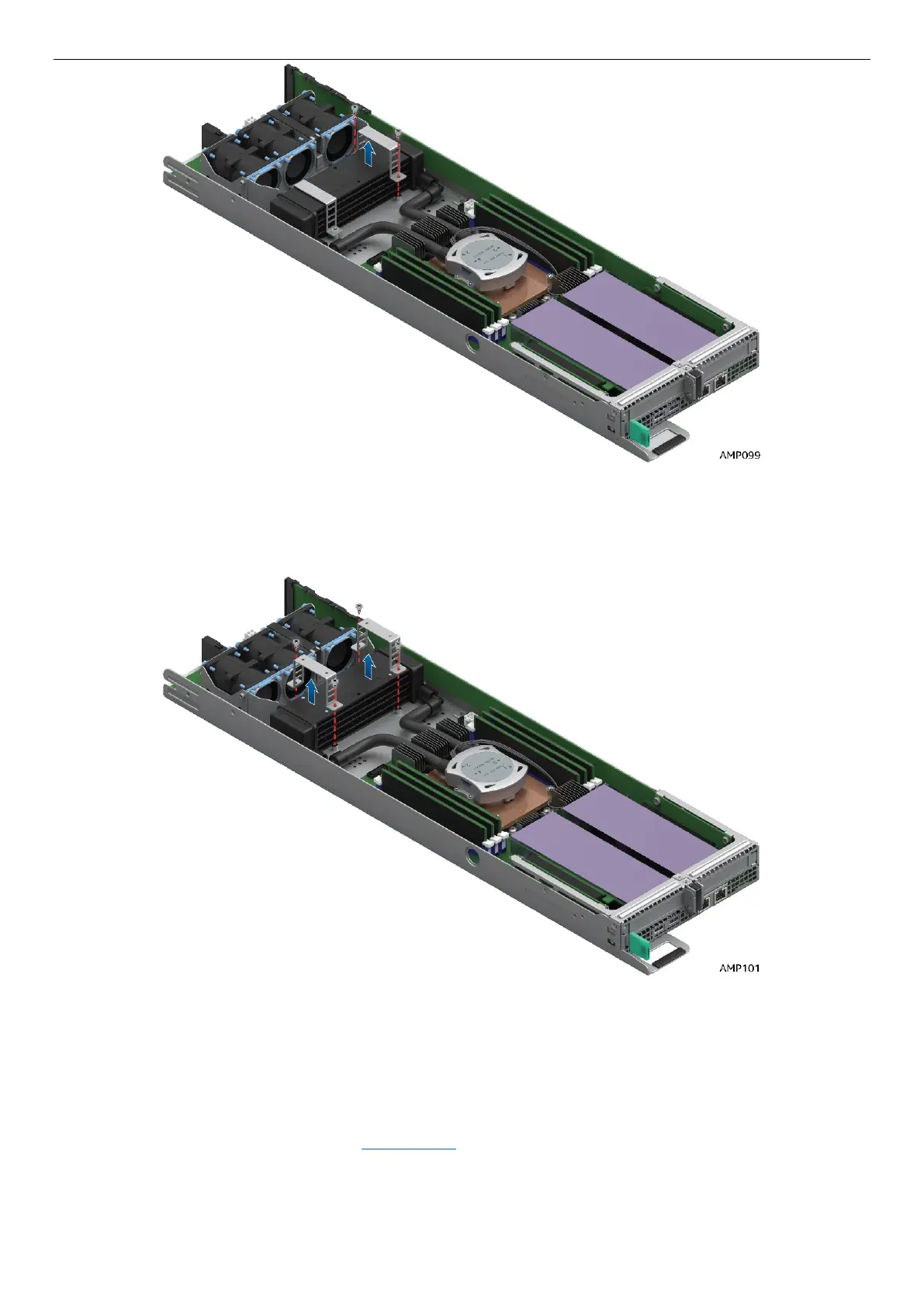
Figure 37. Remove LACC brackets #2
Figure 38. Remove LACC brackets #3
5. Finally, remove the LACC Cold Plate assembly. The LACC cold plate assembly is modeled after the
passive air heatsink assembly. The sequence and method of removing the cold plate is exactly the
same as the passive air heatsink. Follow carefully the screw loosening sequence. Refer to the passive
air heatsink removal instructions in Section 2.5
for detail.



 To Next Page