1. Power off the compute module and disconnect the power cable(s).
2. Remove the air duct. See section 2.3.1
.
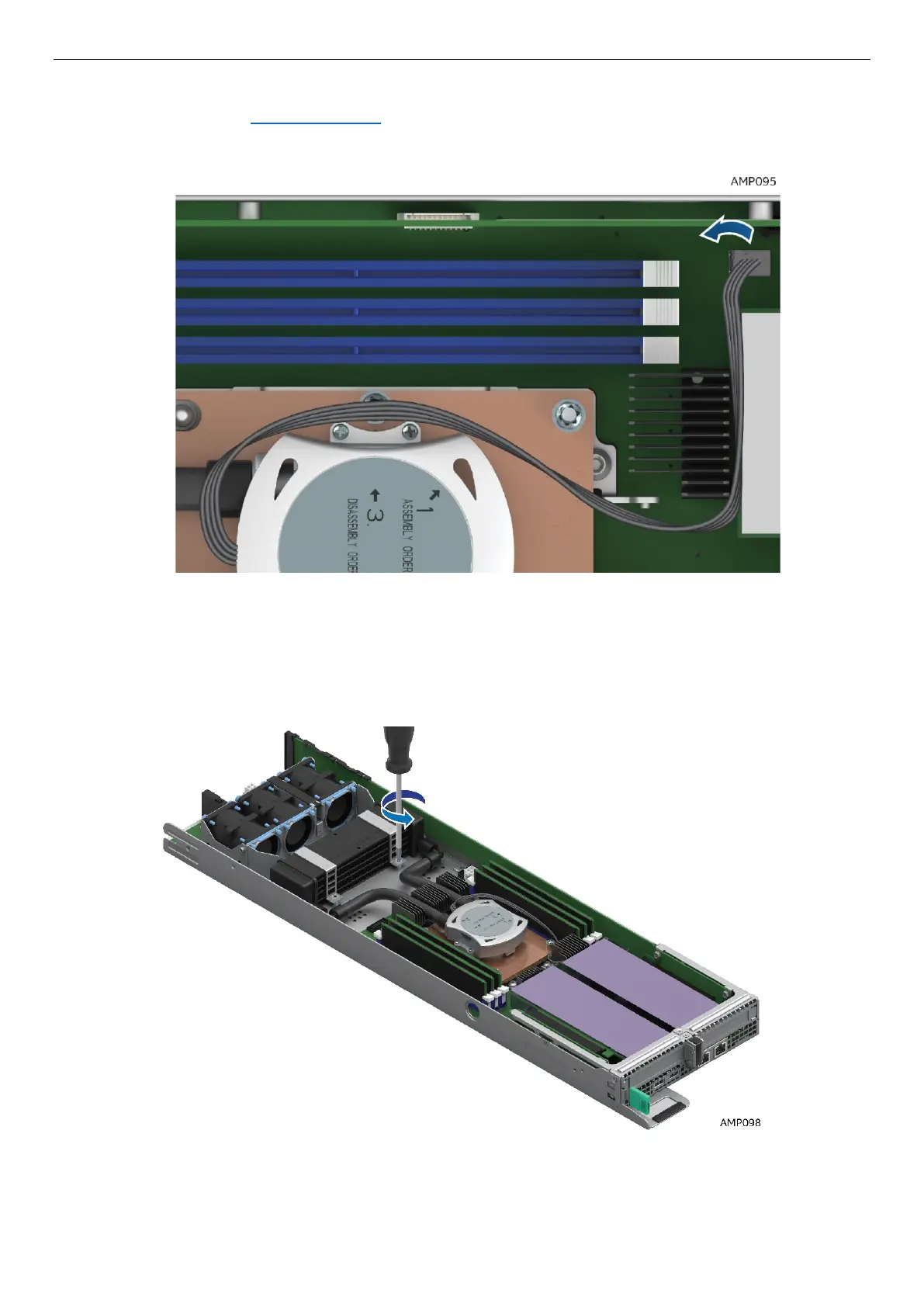
3. Disconnect the pump cable that is connected to the 4-pin CPU Fan Header (J6J2)
Figure 35. Disconnect the Pump Cable (Fan Header J6J2)
4. Next, remove the LACC Heat Exchanger retaining brackets by removing the 4 screws.
Figure 36. Remove LACC brackets #1



 To Next Page