EasyManua.ls Logo

IPG Photonics Scanner Series - Page 79

IPG Photonics Scanner Series
109 pages
Print Icon
To Next Page IconTo Next Page
To Previous Page IconTo Previous Page
Loading...
73
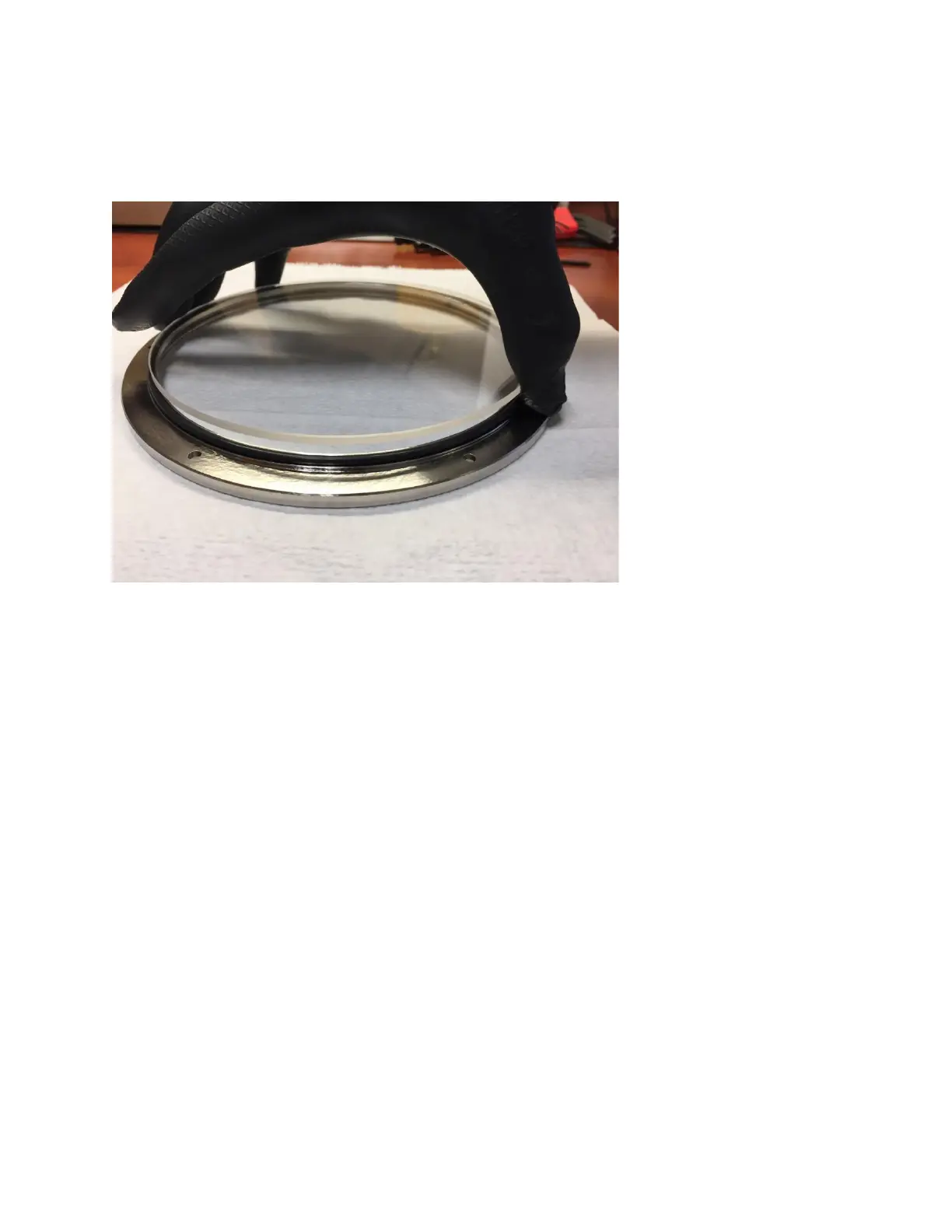
5. Insert the replacement protective window glass into the frame. Be sure that the sealing O-rings
are properly seated prior to placing the protective window glass. See Figure 9-6.
Figure 9-6 Replacing the Protective Window
IMPORTANT
Users should wear Latex or Nitrile gloves when replacing the protective windows
to help prevent introducing contamination during the process.
6. Replace the retaining ring and fasten the screws back into the frame.
7. Replace the Window Assembly by aligning the pins and grooves and rotating it counter
clockwise (if looking at the front of the scanner). Observe the markings on the High-Power lens
assembly for proper alignment, as shown in Figure 9-7.

Table of Contents

Related product manuals