5-55
Chapter 5 Setup Mode
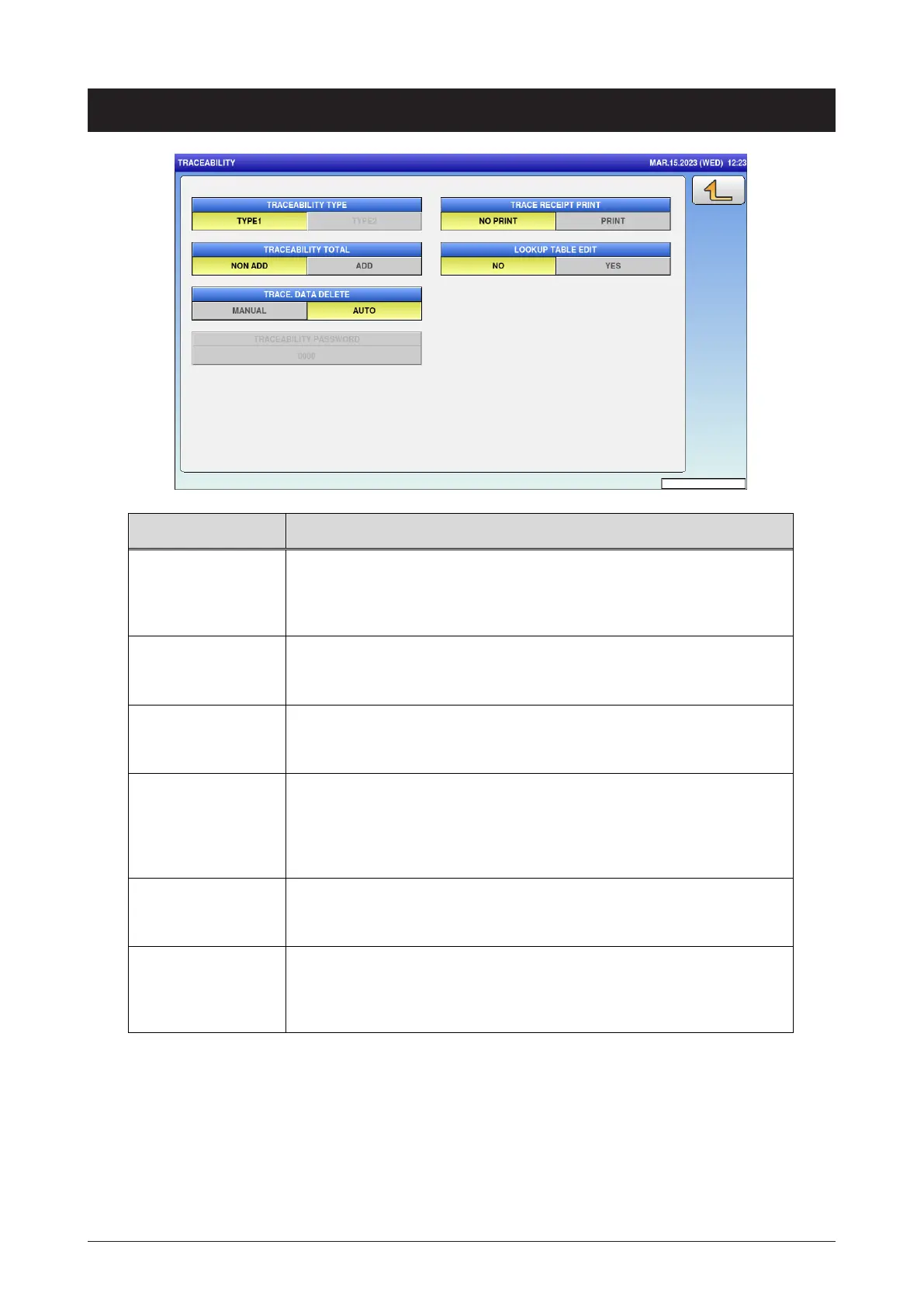
5.21 Tranceability
Menu name Specification
TRACEABILITY
TYPE
Select the traceability type.
TYPE1 / TYPE2
(TYPE1 is simple traceability.)
TRACEABILITY
TOTAL
Select whether or not to add the traceability total.
NO / YES
TRACE. DATA
DELETE
Select the manual or auto deletion of traceability data.
MANUAL / AUTO
TRACEABILITY
PASSWORD
Enter the traceability password.
This function is enabled when [TYPE2] is selected in the
TRACEABILITY TYPE.
0 or 4-digit number
TRACE RECEIPT
PRINT
Select whether or not to print the trace receipt.
NO PRINT / PRINT
LOOKUP TABLE
EDIT
Select whether or not to enable the lookup table edit on the
traceability screen in the normal mode.
NO / YES



 To Next Page