5-24
Capter 5 Setup Mode
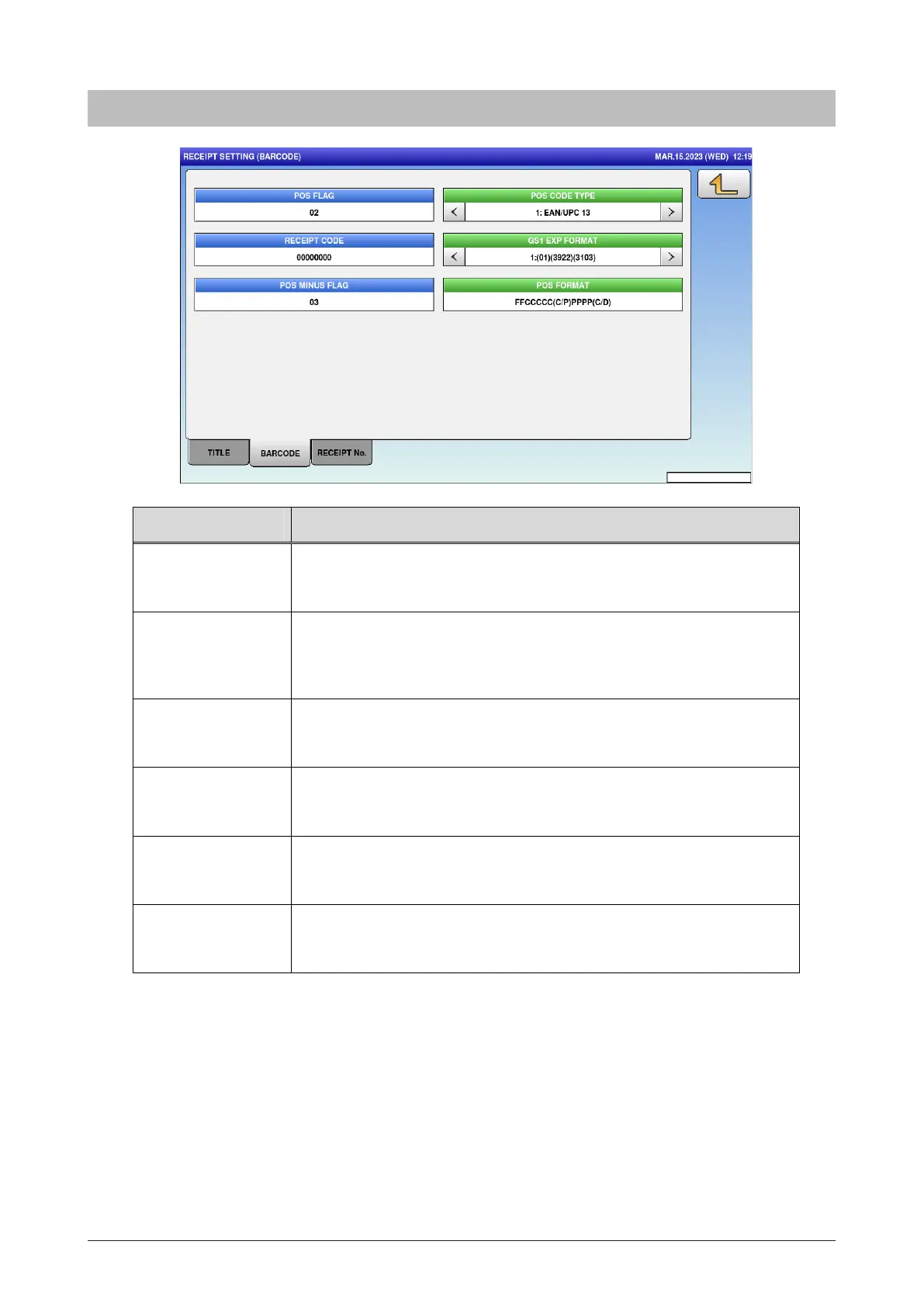
5.11.2 Barcode
Menu name Specification
POS FLAG Enter the POS flag.
Input range: 00 to 99
POS CODE TYPE Select the POS code type.
1: EAN / UPC13 / 2: EAN / UPC 8 / 3: 10 DIGITS 13 / 4: 5 DIGITS 8 /
5: GS1
RECEIPT CODE Enter the receipt code.
Input range: 0 to 99999999
GS1 EXP FORMAT Select the GS1 EXP format.
1: (01)(3922)(3203) / 2: (01)(3922)(3203)(15)
POS MINUS FLAG Enter the POS minus flag.
Input range: 00 to 99
POS FORMAT Select the POS format.
Press button to open POS format list screen.



 To Next Page