5-64
Capter 5 Setup Mode
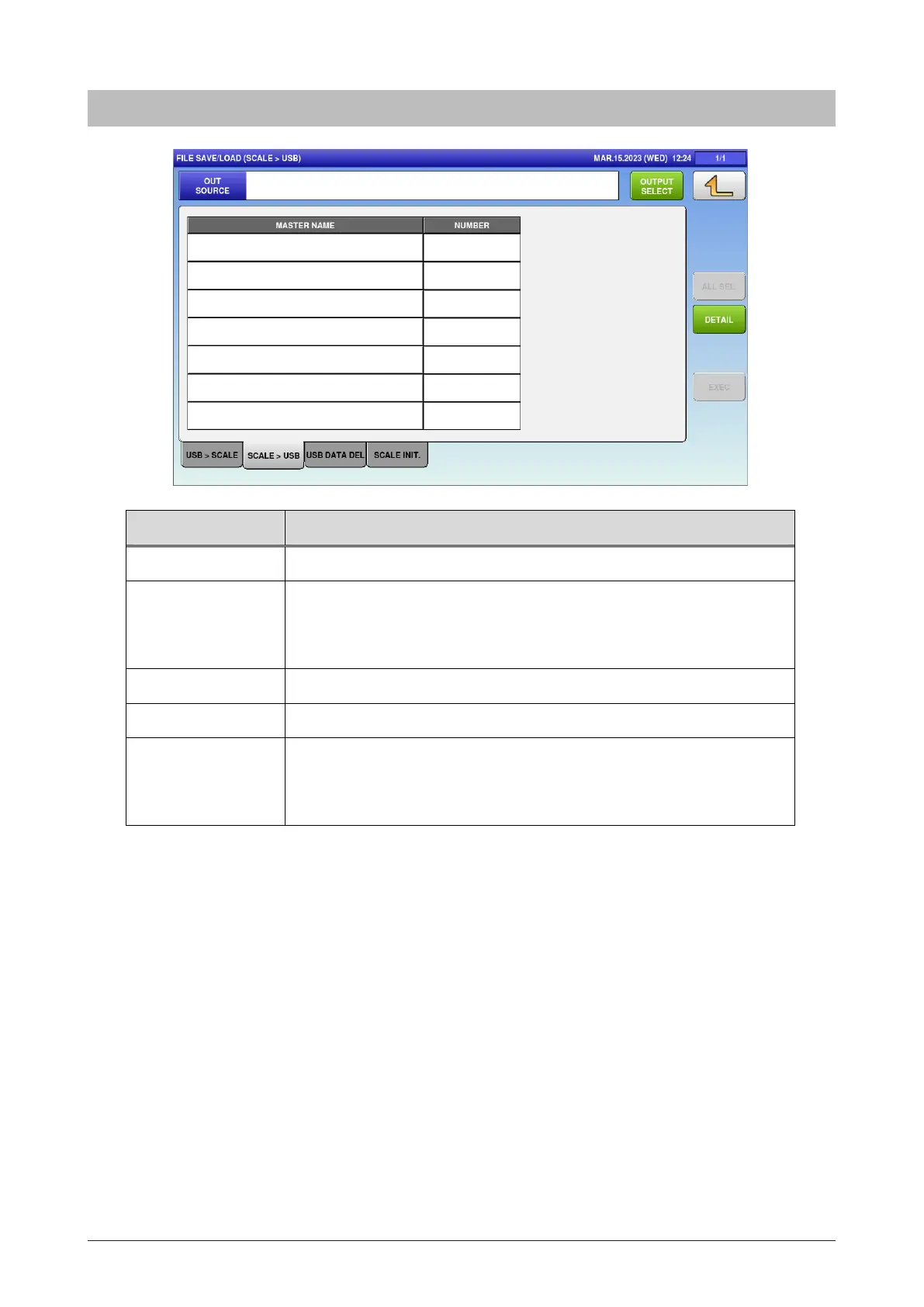
5.28.2 Scale>USB
Menu name Specification
OUT SOURCE Display the name of the output source.
OUTPUT SELECT Open the FILE SAVE/LOAD OUT SELECT screen.
SET: Enter the output source.
EDIT: Edit the name of the output source.
ALL SEL. Switch between “All items selected” / “All items unselected”.
DETAIL Move to the FILE SAVE/LOAD / DETAIL screen.
EXEC Execute the file output of selected master.
The OUTPUT CHECK dialog appears to ask whether to output the
file.



 To Next Page