5-10
Capter 5 Setup Mode
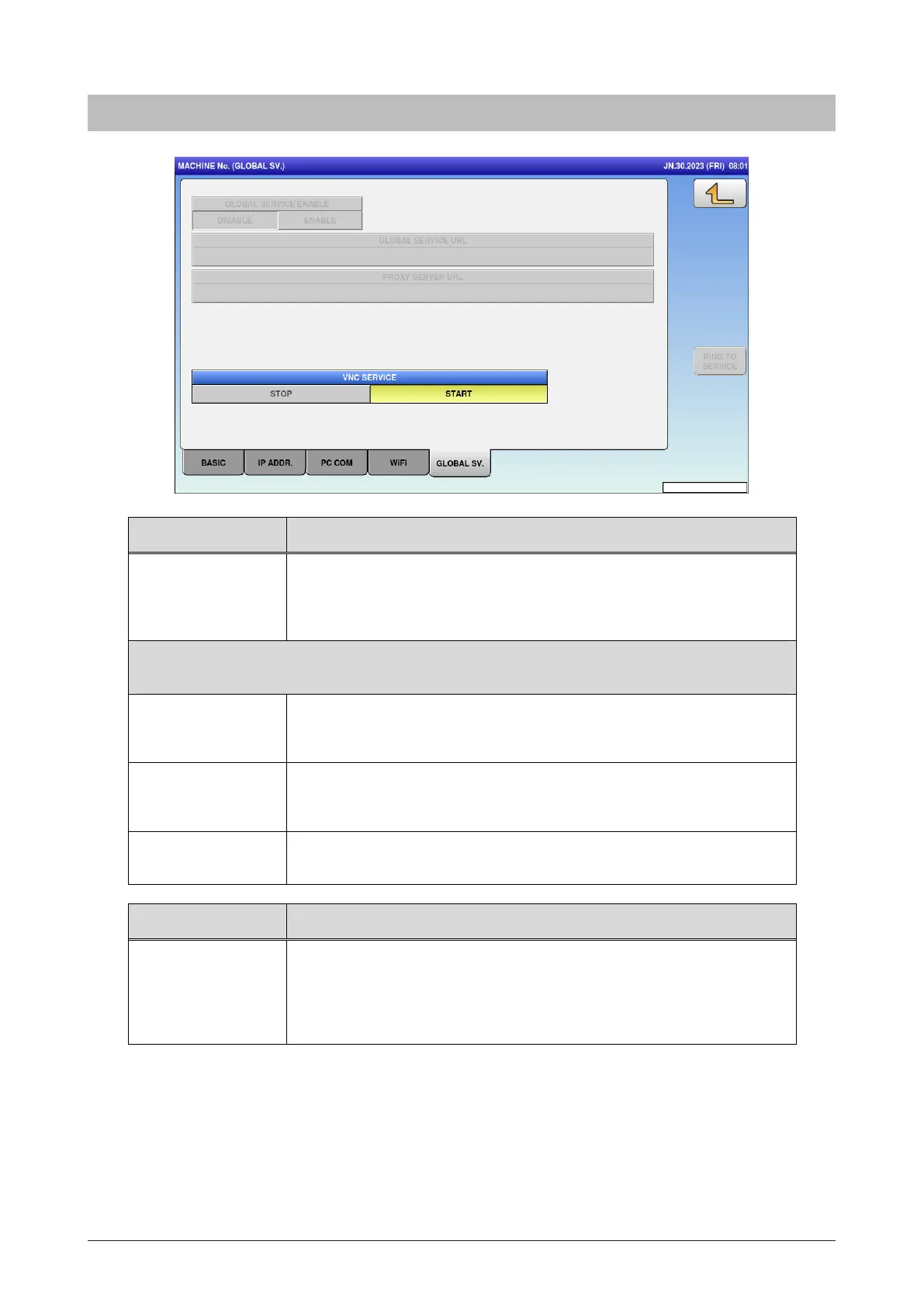
5.2.5 Global SV
Menu name Specification
GLOBAL SERVICE
ENABLE
Select and set whether or not to use the cloud function (Global
Service).
DISABLE / ENABLE
The following parameters are valid only when GLOBAL SERVICE ENABLE setting is set to
[ENABLE] (grayed out when set to [DISABLE])
GLOBAL SERVICE
URL
Enter the URL of Cloud server (only when the function is valid).
Press button to open editor screen.
PROXY SERVER
URL
Enter the URL of Proxy server (only when the function is valid).
Press button to open editor screen.
PING TO SERVICE Send PING to the set cl oud server (When the cloud function is not in
use, the option is grayed out).
Menu name Specification
VNC SERVICE Select whether or not to use the VNC service.
After startup, you can connect the Uni-8 and perform remote
operation using the VNC Viewer.
STOP / START



 To Next Page