6-10
Capter 6 Adjust Mode
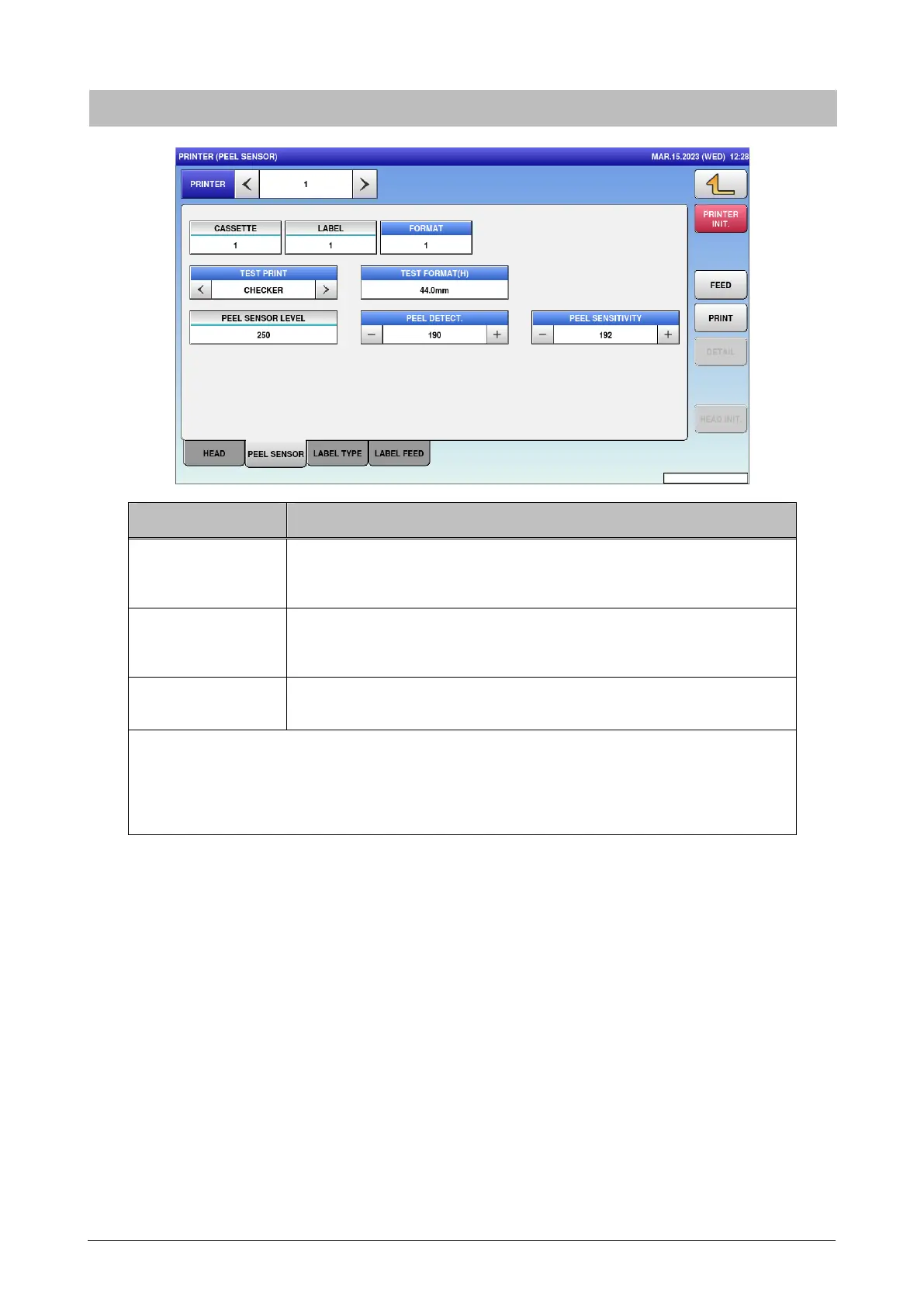
6.6.2 Peel sensor
Menu name Specification
PEEL DETECT. Enter the threshold value of peel sensor.
Input range: 0 to 255
PEEL SENSITIVITY Enter the s ensitivity of peel sensor.
Input range: 0 to 255
PEEL SENSOR
LEVEL
Display the output value of peel sensor.
Enter the threshold depending on PEEL SENSOR LEVEL at the time the backing paper
remains on the sensor or not.
(e.g. If the value at the time the backing paper remains is 180 and if the value at the time the
backing paper does not remain is 80, the threshold is enter to about 150.)



 To Next Page