5-65
Chapter 5 Setup Mode
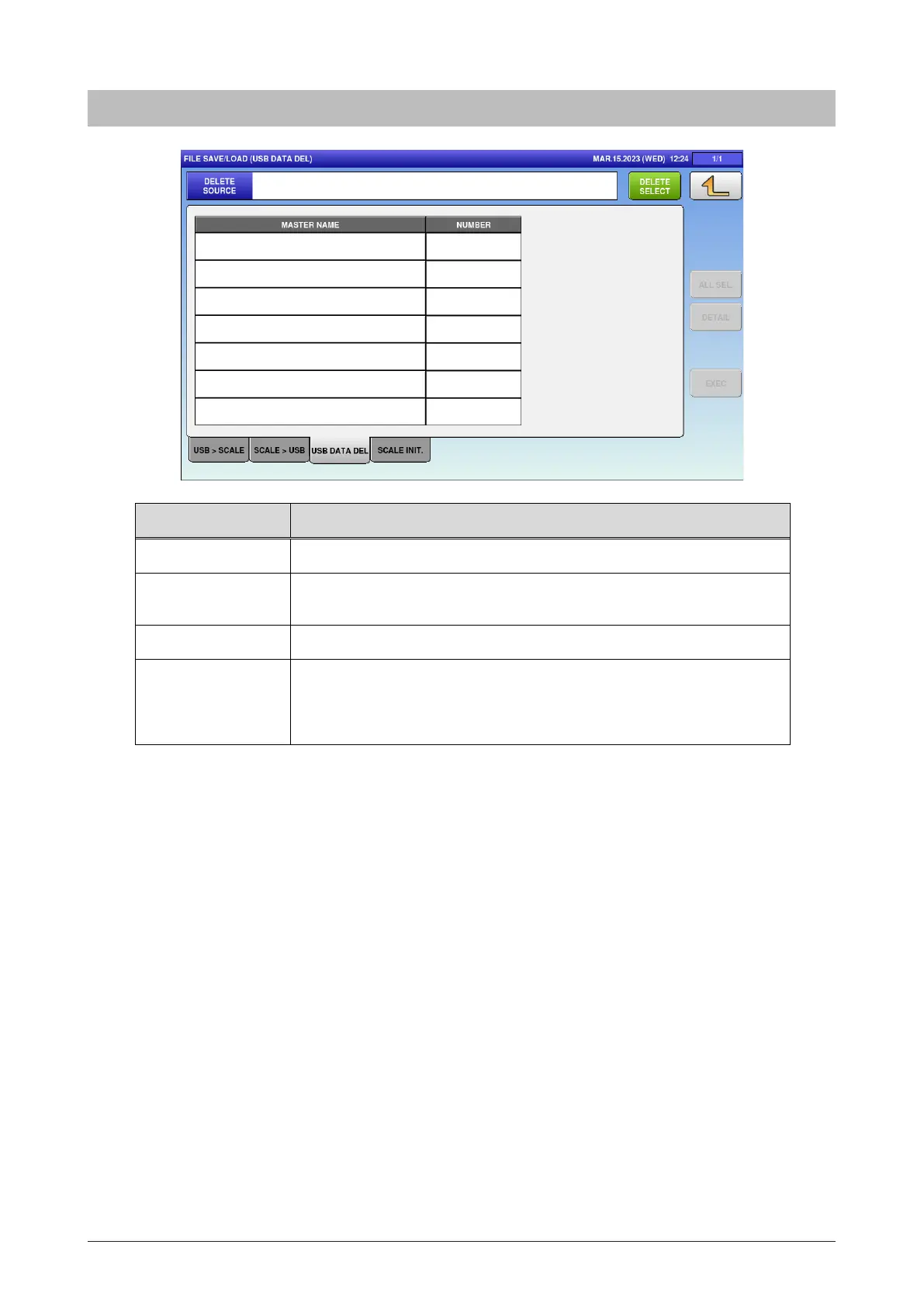
5.28.3 USB data DEL.
Menu name Specification
DELETE SELECT Display the name of the deletion source.
MASTER NAME Display the master name of the file in the folder of USB memory
specified as “Deletion destination”.
ALL SEL. Switch between “All items selected” / “All items unselected”.
EXEC Execute the file output of selected master.
The OUTPUT CHECK dialog appears to ask whether to output the
file.



 To Next Page