8-1
Chapter 6 Adjust Mode
Chapter 8 Appendix
8.1 Software setup
8.1.1 Preparation
8.1.2 Backup the master data
•
USB memory stick strage soft folder arrenged directory of the USB.
1. Plug a USB memory stick to the porat and turn on power.
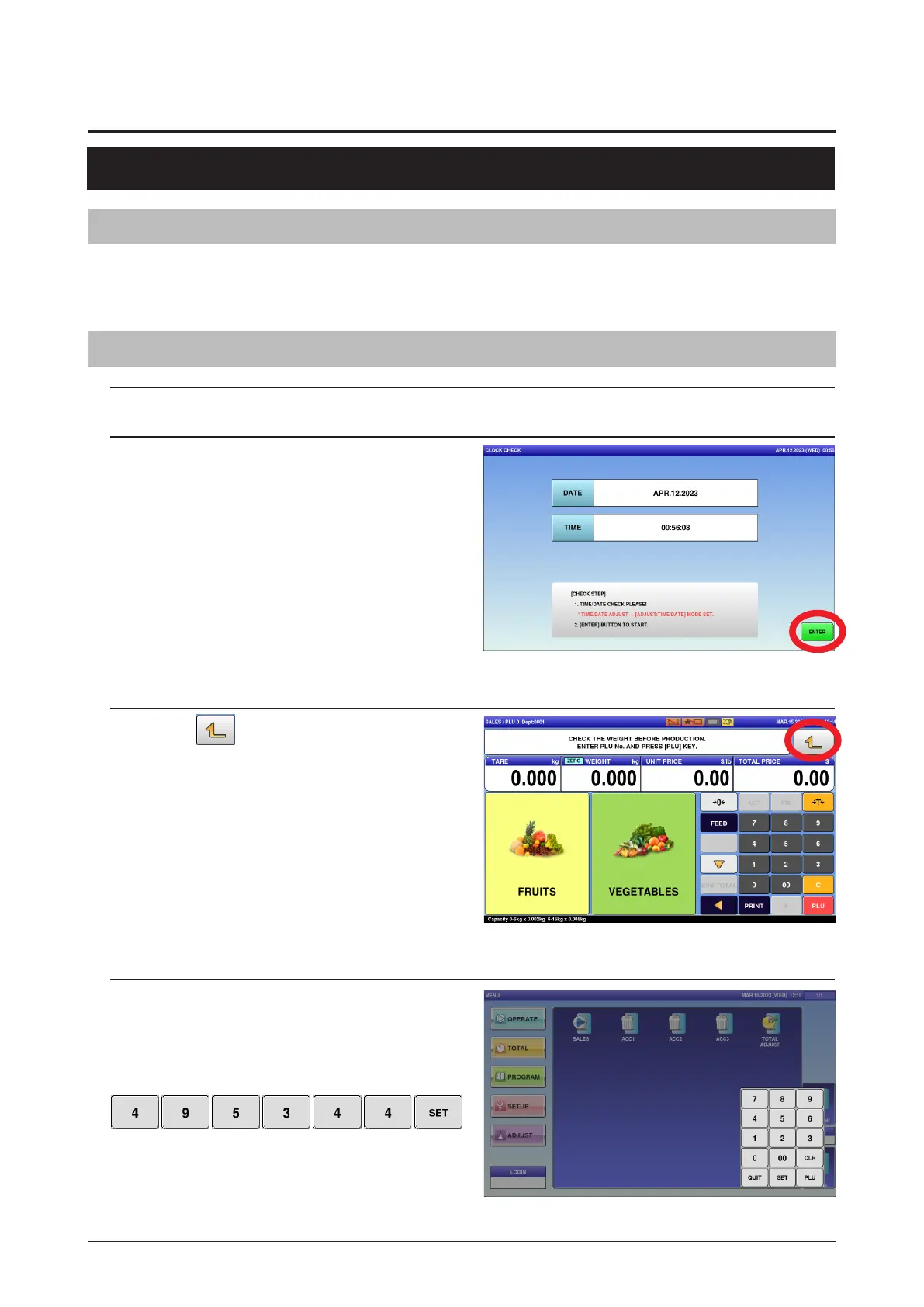
2. Press [ENTER] button.
3. Press
button.
4. Press [SETUP] and [LOGIN] button,
then input Password "495344" using
numerical keys, and press [SET]
button.



 To Next Page