5-34
Capter 5 Setup Mode
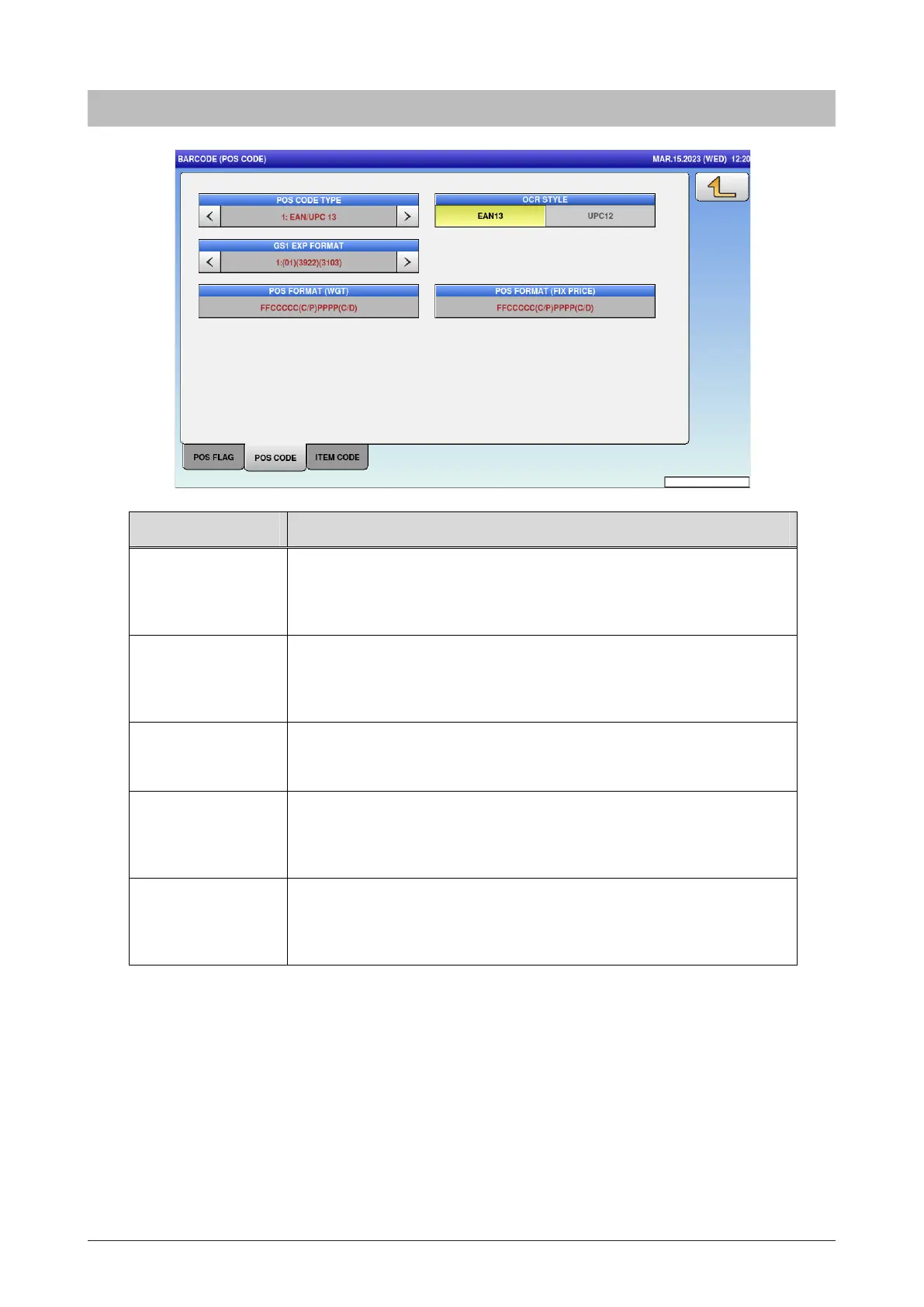
5.15.2 POS code
Menu name Specification
POS CODE TYPE Select the POS code type.
1: EAN/UPC13 2: EAN/UPC 8/3:10 DIGITS 13/4:5DIGITS 8/5:GS1
6:GS1 ST/7:GS1 STO/8:GS1 LI MITED/9:GS1 EXPANDED/10: ITF
OCR Select the POS code type.
1: EAN/UPC13 2: EAN/UPC 8/3:10 DIGITS 13/4:5DIGITS 8/5:GS1
6:GS1 ST/7:GS1 STO/8:GS1 LI MITED/9:GS1 EXPANDED/10: ITF
GS1 EXP FORMAT Select the GS1 EXP format.
1:(01) (3922) (3203) / 2: (01) (3922) (3203) (15)
POS
FORMAT(WGT)
Select the POS format (weight).
Press button to open POS FORMAT list. Select the format from the
list.
POS FORMAT
(FIX PRICE)
Select the POS format (fix price).
Press button to open POS FORMAT list. Select the format from the
list.



 To Next Page