5-8
5.3 Stop by Paper Mismatch during Printing
)Forcibly Print on the Set Media
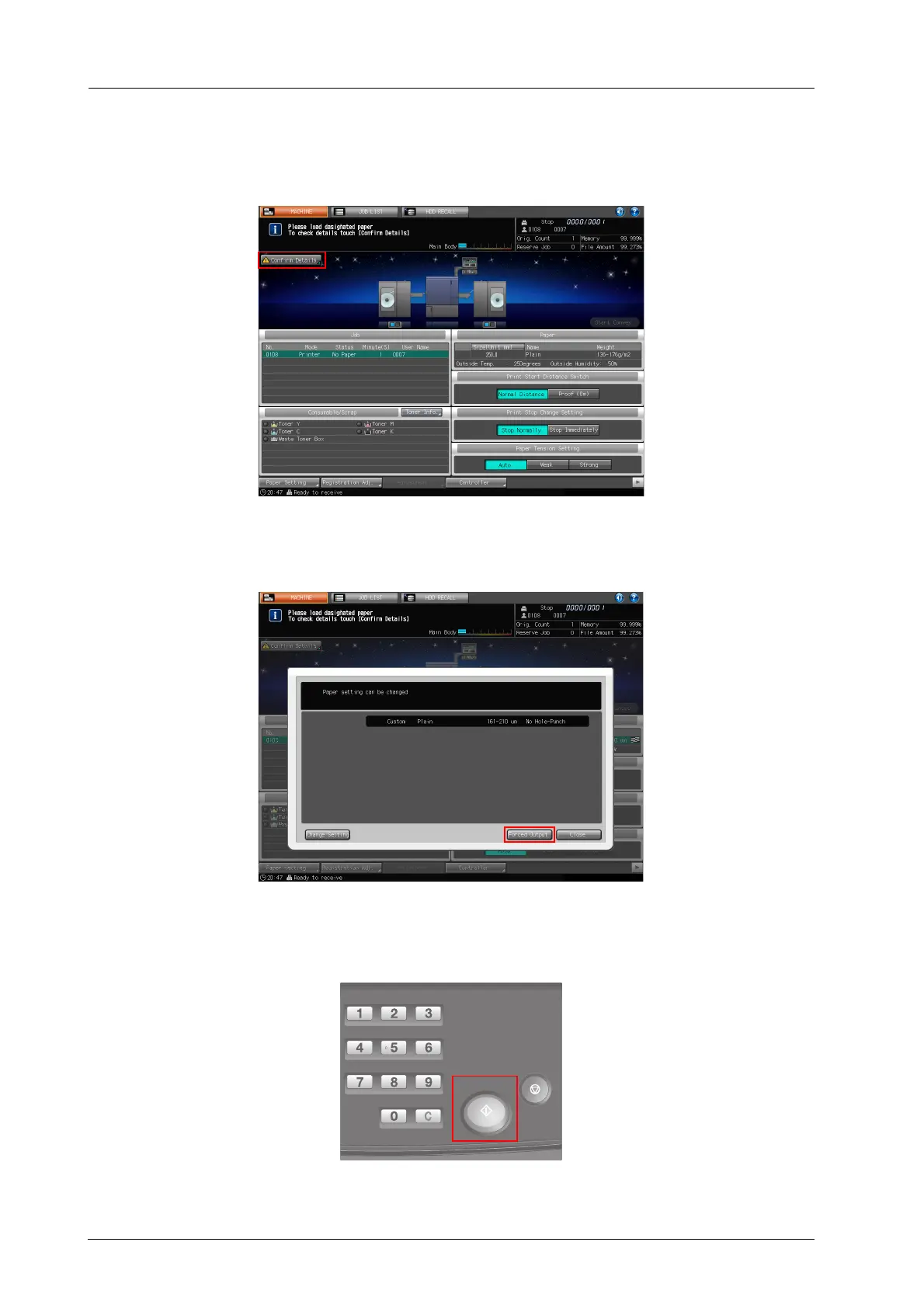
A Press [Confirm Details].
A dialog will be displayed.
B Press [Forced Output].
The [MACHINE] Screen is restored with the message [Press [Start] to restart].
C Press Start on the control panel.



 To Next Page