4-4
bizhub PRESS C71cf
4
Cleaning the Leading Section
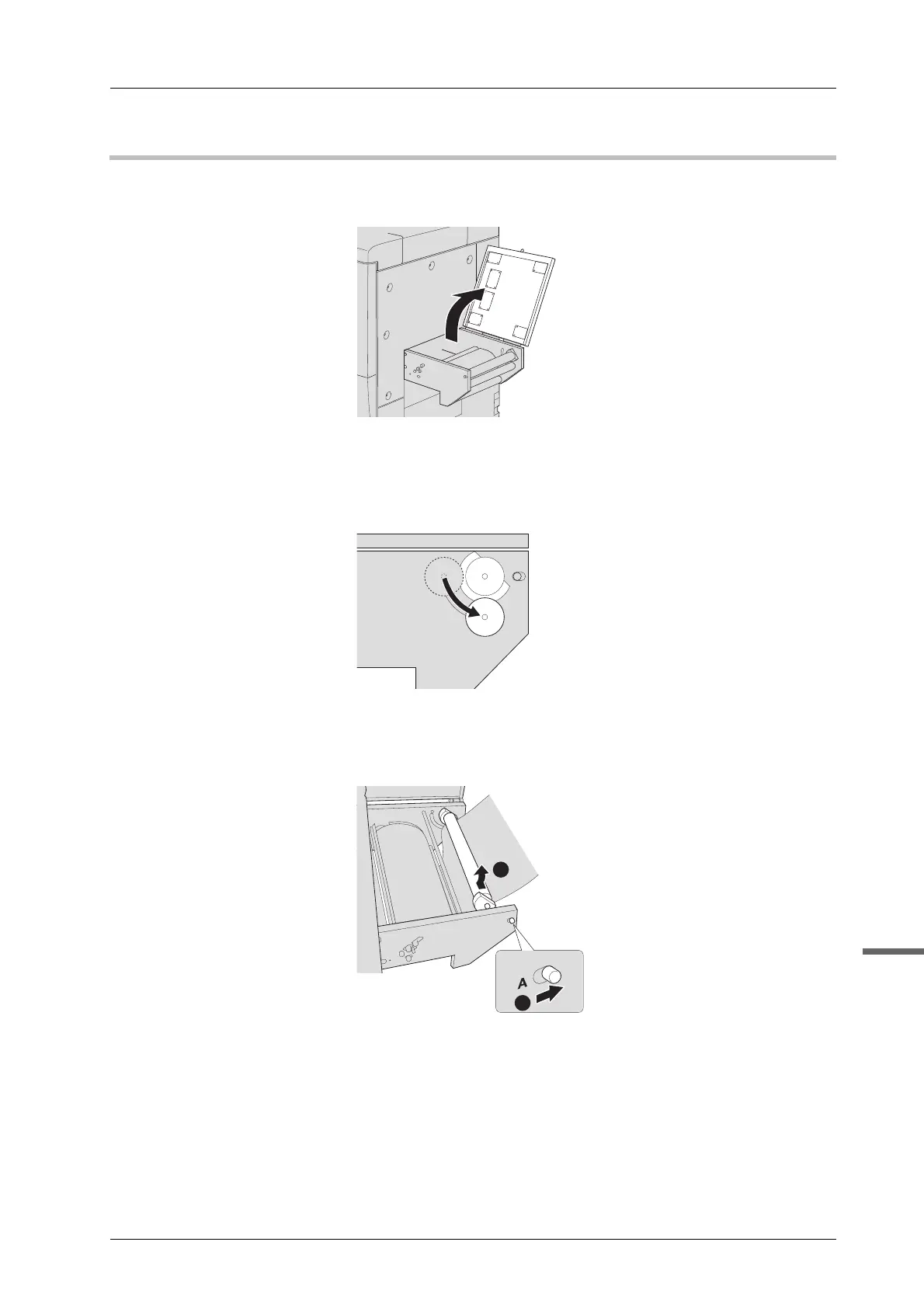
A Open the top cover of the leading section.
B If the tension roller 2 is set to "Top", change it to "Bottom"
For details about changing the position, page 3-15.
C Slide the knob on the tension roller 1 right to unlock and push the tension roller 1
back to remove.



 To Next Page