3-3
bizhub PRESS C71cf
3
Set the Media to the Feeding Shaft
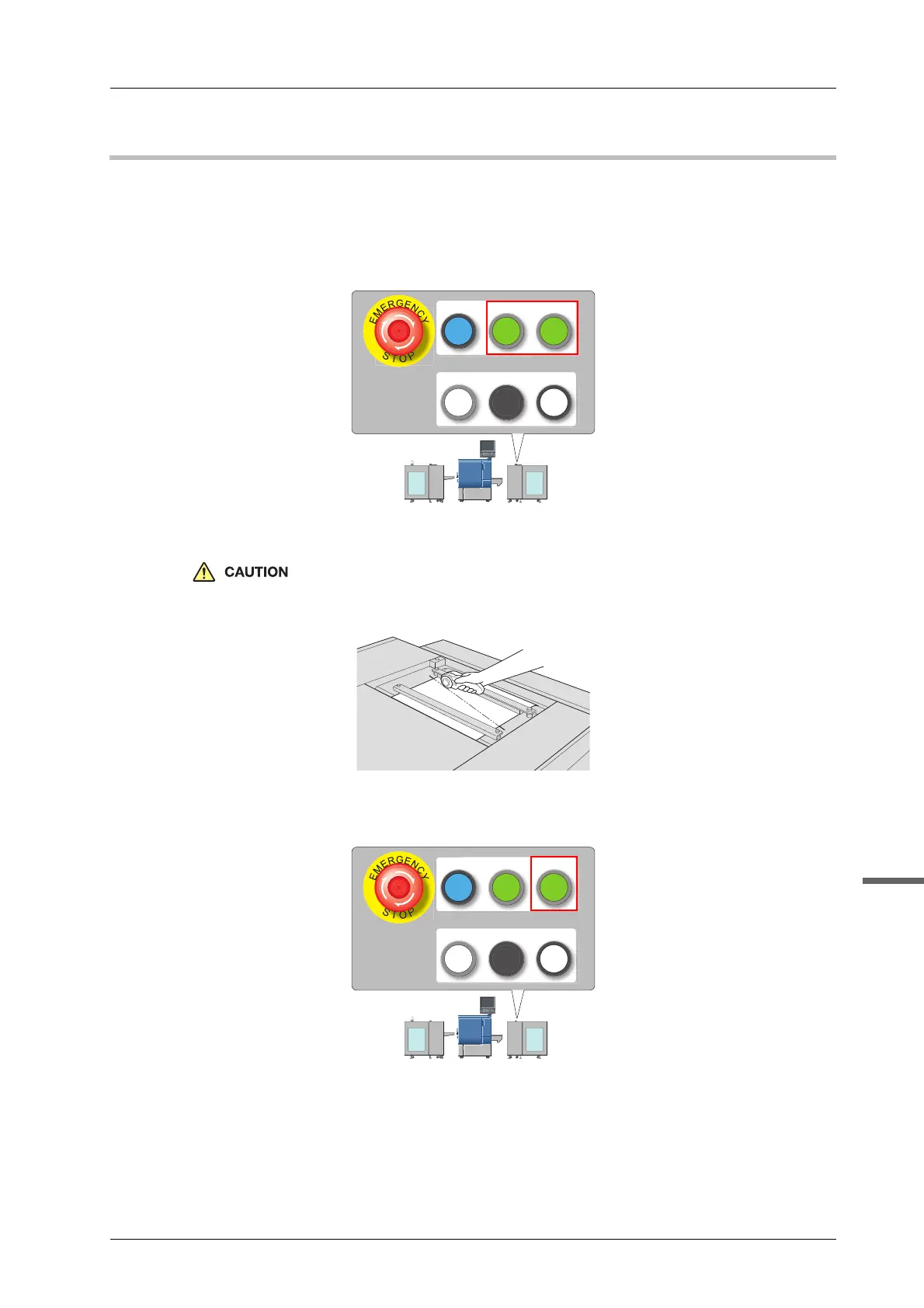
A Press WEB GRIPPER1 and WEB GRIPPER2 on the control panel of Roll Winder
RW-101.
The media pressing bar 1 and media pressing bar 2 on the workbench of Roll Winder RW-101 are
locked to hold the media.
B Cut the media with following the cutter groove on the workbench.
Be careful not to cut your hand when cutting the media.
C Press WEB GRIPPER1 on the control panel of Roll Winder RW-101 to unlock the
media pressing bar 1.
WEB
GRIPPER2
WEB
GRIPPER1
EMG.RESET
READY JOG
STOP
WEB
GRIPPER2
WEB
GRIPPER1
EMG.RESET
READY JOG
STOP



 To Next Page