6-12
6.2 Name of each Component
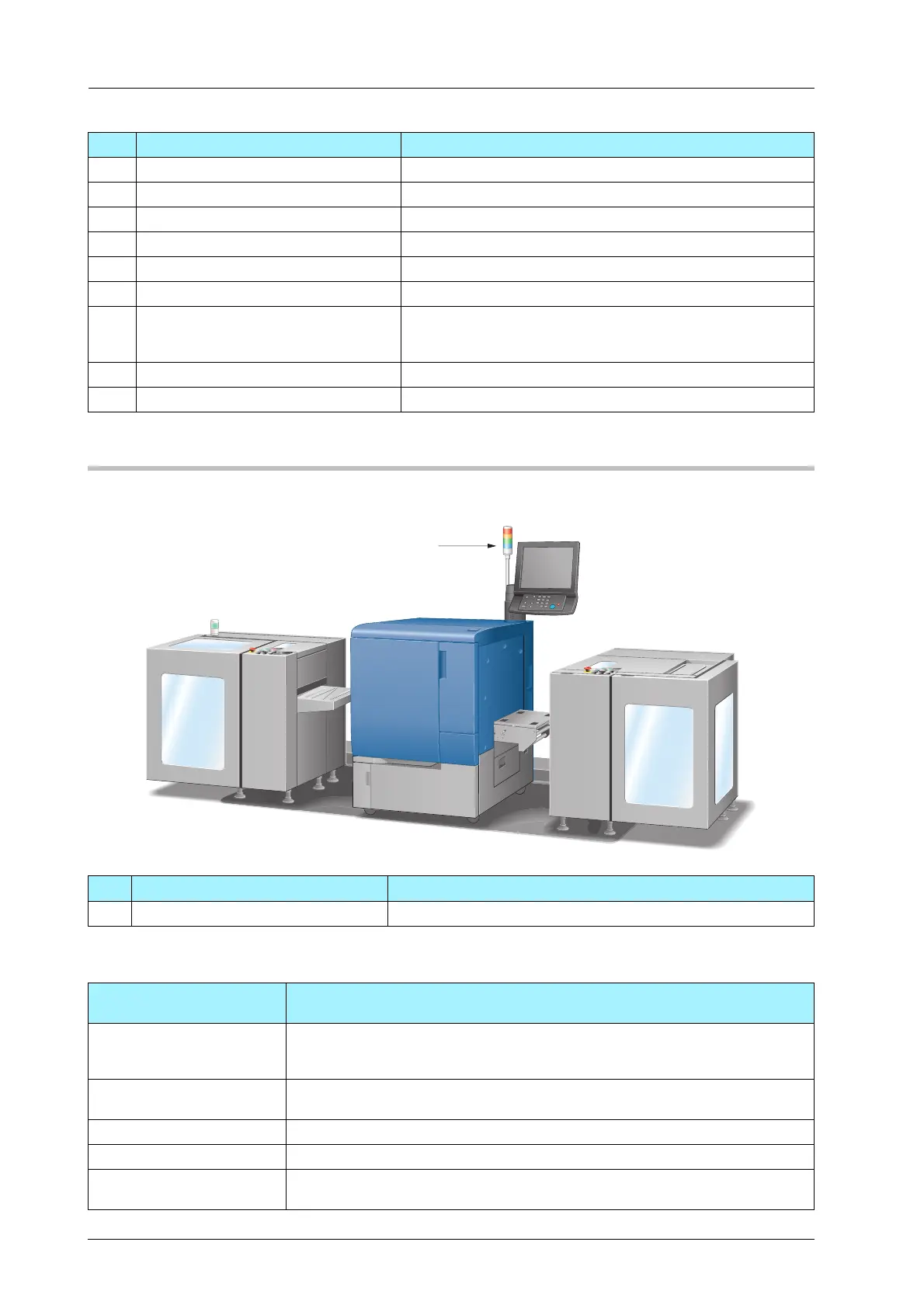
Status Indicator Light MK-744
Status indicator light MK-744 is optional.
For details on the machine status indicated by the Status LED, refer to the following table.
8 Lug Fixes the media core to the winding shaft.
9 Media guide Avoids the media from meandering.
10 Squeezing bar Adjusts the media tension when winding.
11 Rubber roller Holds and conveys the media.
12 Pull roller Conveys the media.
13 Loop detection sensor Detects an error of the amount of the media loop.
14 Side plate Avoids the media from meandering when winding. The side
plates moving handle allows you to adjust the width between
the plates.
15 Lever Attaches or detaches the rubber roller to or from the media.
16 Side plates moving handle Adjusts the width of the side plates.
No. Name Description
1
No. Name Description
1 Status LED Displays the machine condition in four colors of light.
Status indicator light
(color)
Machine state
Red The machine stops by the error occurrence, such as paper jam, replenishing toner
supply, or replacing the media. The status indicator lights in red before the ma-
chine stops when the remaining toner is 1 % or less.
Orange The message for attention to toner is displayed. Also it lights in orange when the
waste toner box is nearly full.
Green Printing is in process.
Blue Ready for printing.
Off Main power switch or sub power switch is off. Or, printing is not available if the
machine is warming up or any door is opened.



 To Next Page