6-1
bizhub PRESS C71cf
6
6 Appendix
6.1 How to Use the HTML User's Guide Well
For details on how to obtain the HTML User's Guide, contact your service representative.
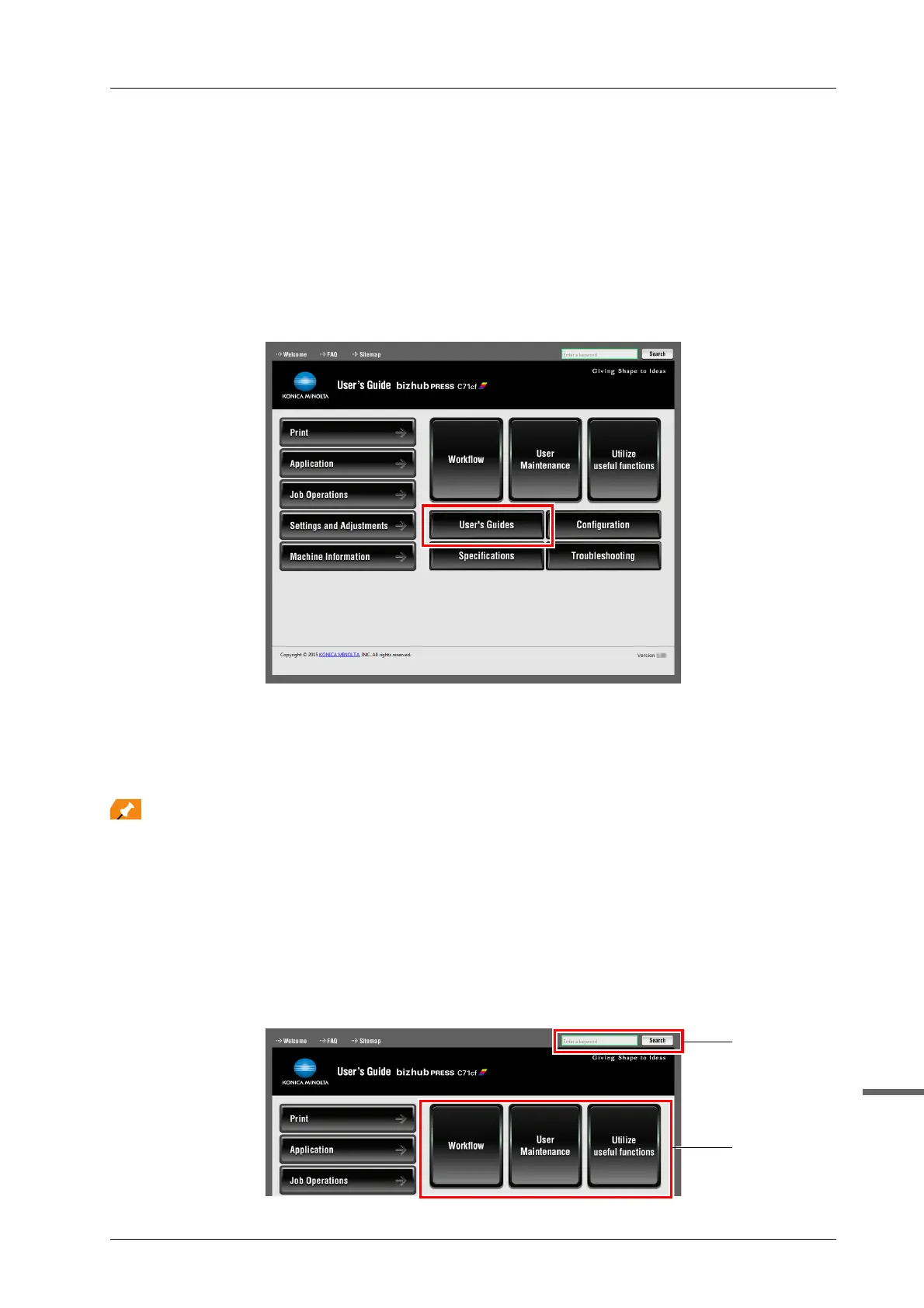
Select the required item from the top page (Home), then confirm the details.
If you select [User's Guides] on the top page (Home), you can view the detailed method to use the HTML User's
Guide.
)(1) Master Search Functions!
You can search within the HTML User's Guide from the search field at the top of the window. Enter the target keyword
in the search field, then click [Search].
For a function that refers to the HTML User's Guide in this manual, enter the function name or setting item name in
the entry field, then click [Search] to search for the target explanation.
)(2) Check the setting required for the target finishing using an operation example!
The contents included in the HTML User's Guide provide many operation examples by objective that enable a user
to master how to operate this machine while proceeding with the procedure in a manner nearly equivalent to the actual
workflow.
Those contents are included in each button of [Workflow], [User Maintenance], and [Utilize useful functions] on the top
page (Home). Please use them.



 To Next Page