5-21
bizhub PRESS C71cf
5
Paper Leans to One Side
If paper leans to one side, the edge of paper may be damaged or images may be out of alignment.
If paper leans to one side, check the following:
- The tension applied on the media is not correct.
- The media or other parts (such as guides on the roller) are not set in the right position.
- The conveyer section is dirty with adhesive.
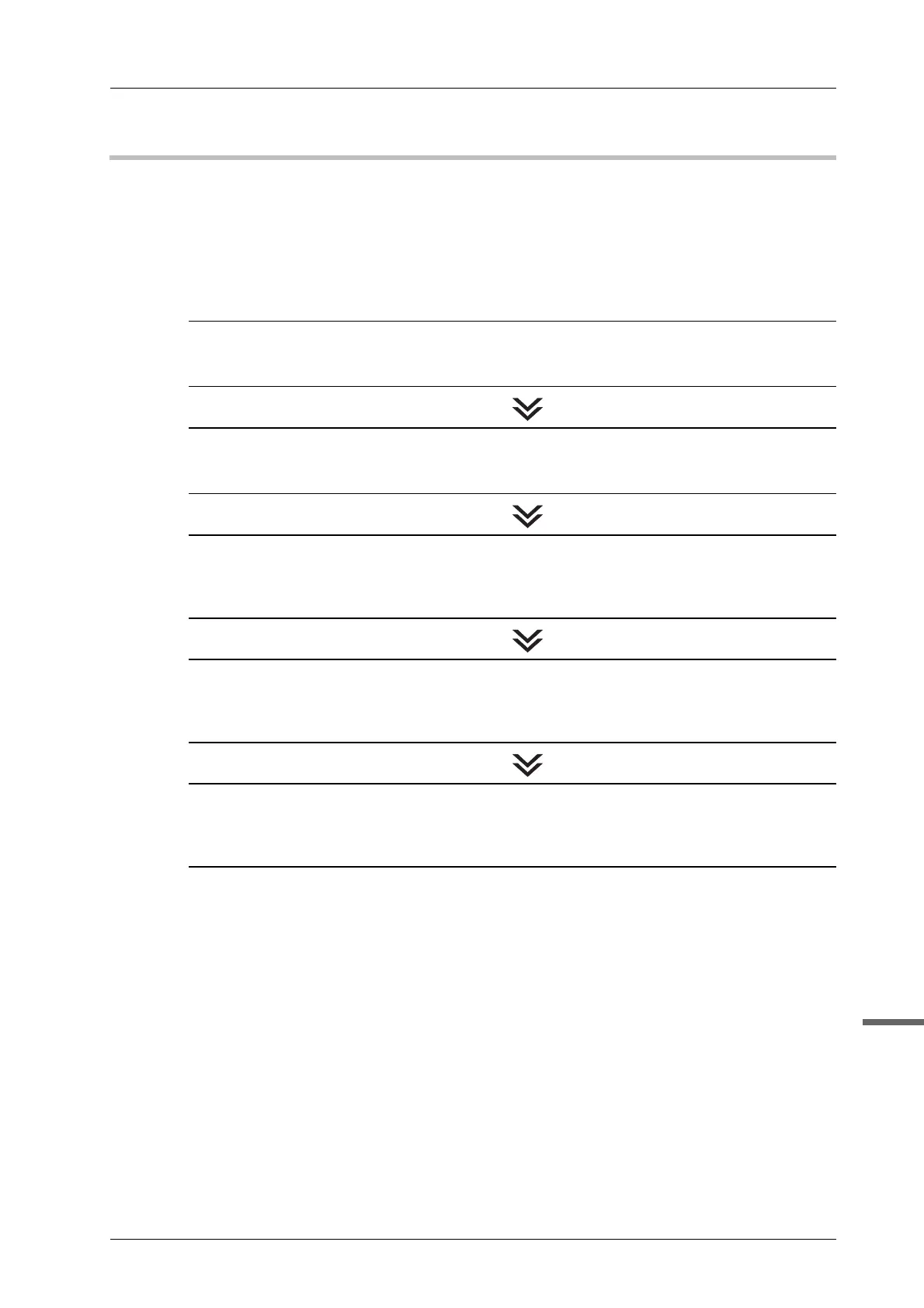
Follow the procedures below to solve the problem:
STEP 1: Checking the Media Tension
Check if the tension setting of the media has been made properly.
% For details, refer to page 3-13.
STEP 2: Checking the Position of the Media and Parts
Check if the media or other parts set in the right position.
% For details, refer to page 4-16.
STEP 3: Cleaning the Adhesive Sticking on the Parts
Clean the media guides and the restriction guides on the leading section if it is dirty with
adhesive.
% For details, refer to page 4-4.
STEP 4: Adjusting the Position of the Media Guides
If the error persists after the procedure mentioned above is performed, adjust the position of
the media guides.
% For details, refer to page 5-22.
STEP 5: Adjusting the Aligning Roller
If the error persists after the procedure mentioned above is performed, adjust the aligning
roller
% For details, refer to page 5-24.



 To Next Page