5-22
5.5 A media feeding error occurs
)Adjust the Position of the media guides
If the error persists, perform the following procedure:
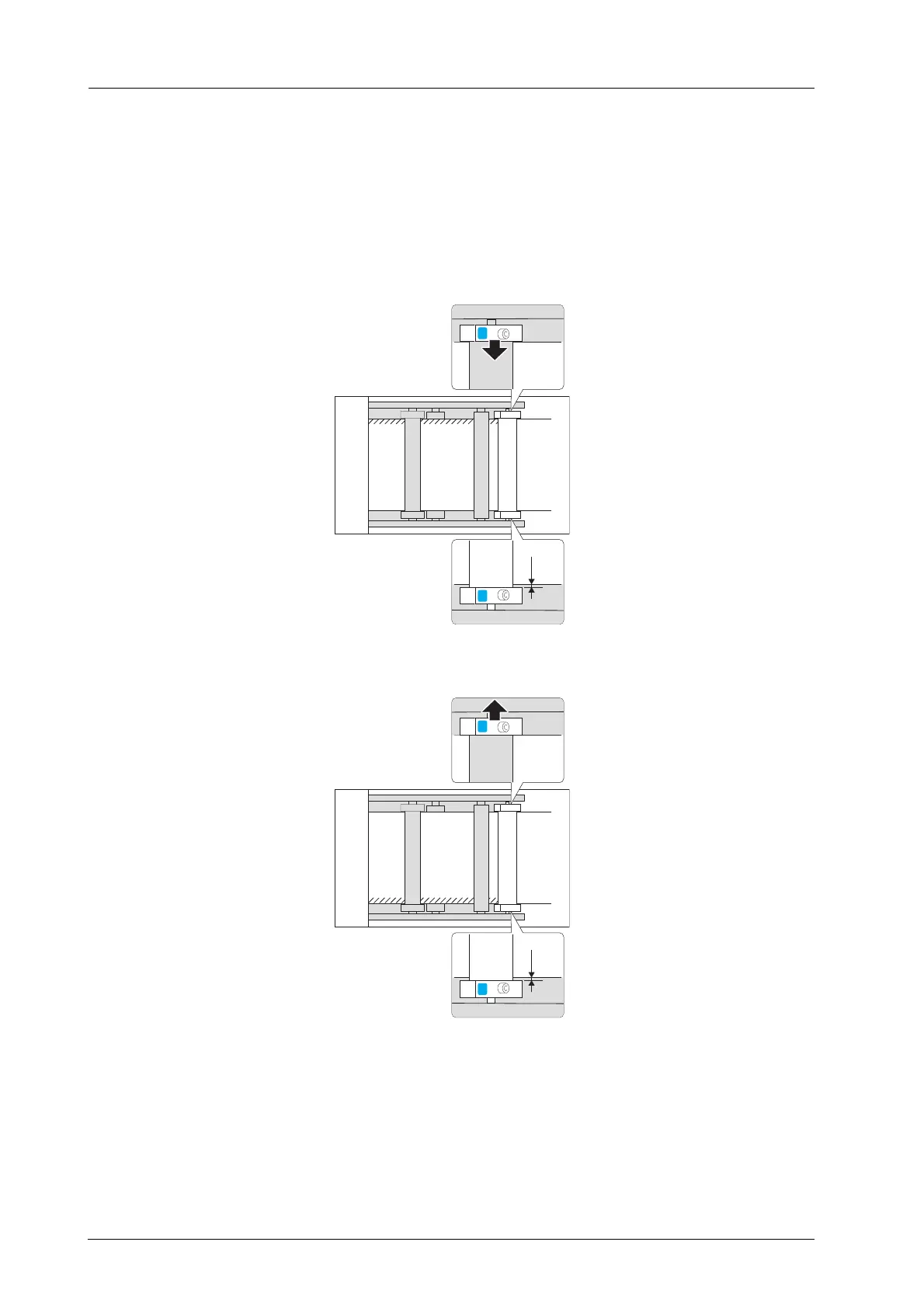
% The media guide (back side) of the tension roller 1, which is set to the reference position
(35 mm / 1.38" away from the metal plate), to a position that will not cause any damage or break the
media edge.
- If a damage or break occurs in the back side of media, adjust the position of the media guide in the
back side forward. When adjusting the position, move the guide in 0.5 mm/0.02" units.
- If a damage or break occurs in the front side of media, adjust the position of the media guide in the
back side backward. When adjusting the position, move the guide in 0.5 mm/0.02" units.
0.5
mm



 To Next Page