5-27
bizhub PRESS C71cf
5
)Changing the media tension
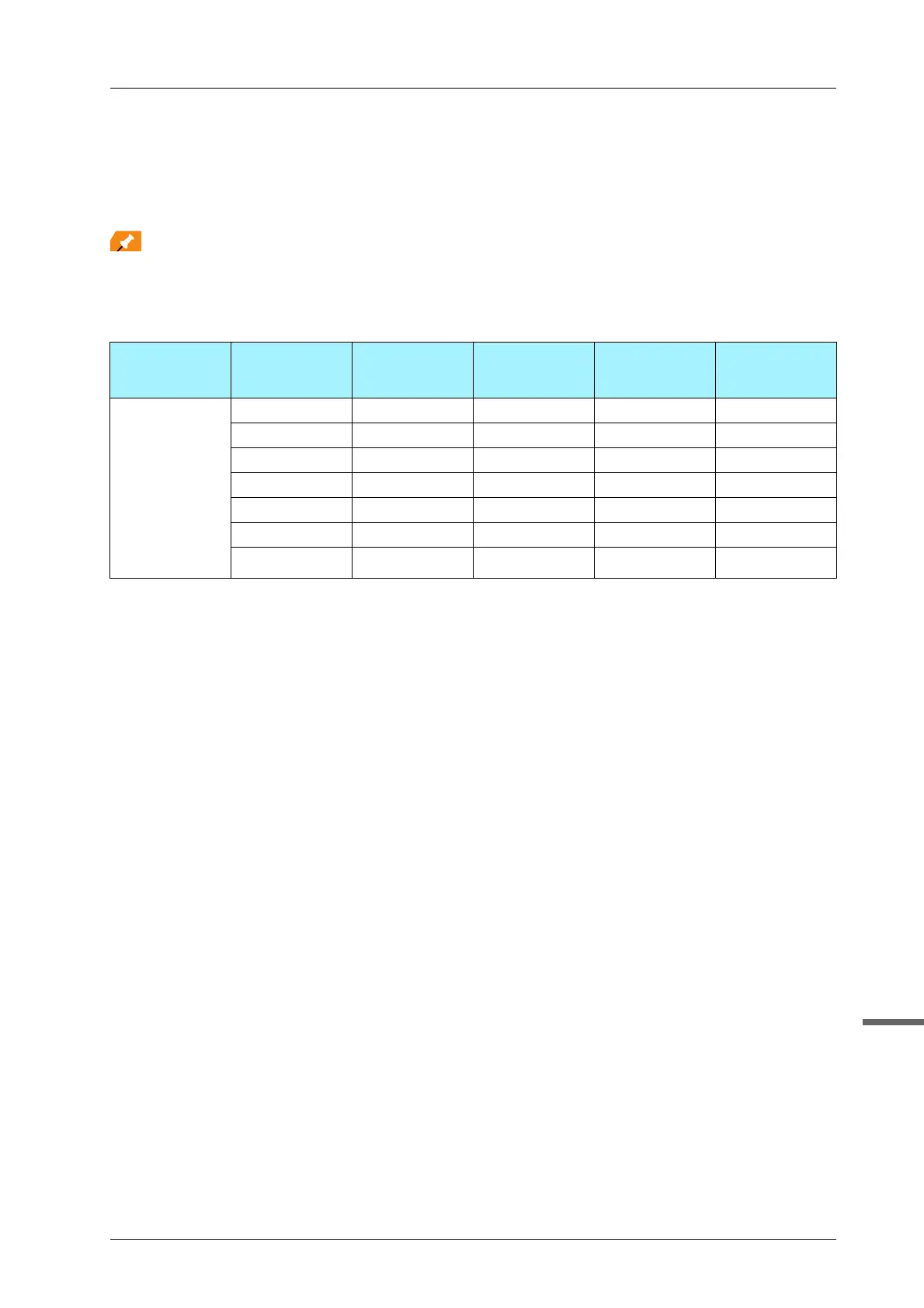
If jam code J-1714 is repeatedly displayed, lower the tension by one level from the current setting according to the
table below.
For details about changing the media tension, refer to page 3-15.
Before changing the media tension, perform the following: For details, refer to page 5-26.
- Check the media tension
- Check the Position of the Media and Parts
- Clean Adhesive sticking on the Parts
Level 7 is only used when paper width is 250 mm. For details about the media tension setting, refer to "User's
Guide[User Maintenance]/[Handling paper]".
Level Position of the
Tension Roller
2
Aligning Roll-
er
Position of the
Tension Roller
4
Air Level of the
Paper Feed
Loop Fan
Lower the ten-
sion
+
,
Raise the ten-
sion
1 Bottom Rotate Bottom Weak
2 Bottom Rotate Bottom Strong
3 Top Rotate Bottom Weak
4 Top Rotate Bottom Strong
5 Top Fix Bottom Weak
6 Top Fix Bottom Strong
7 Top Fix Top Strong



 To Next Page