2-15
bizhub PRESS C71cf
2
Step 4: Print All Pages
When the test print is finished, print all the pages.
NOTICE
Prepare the machine to print beforehand. For details, refer to page 2-4.
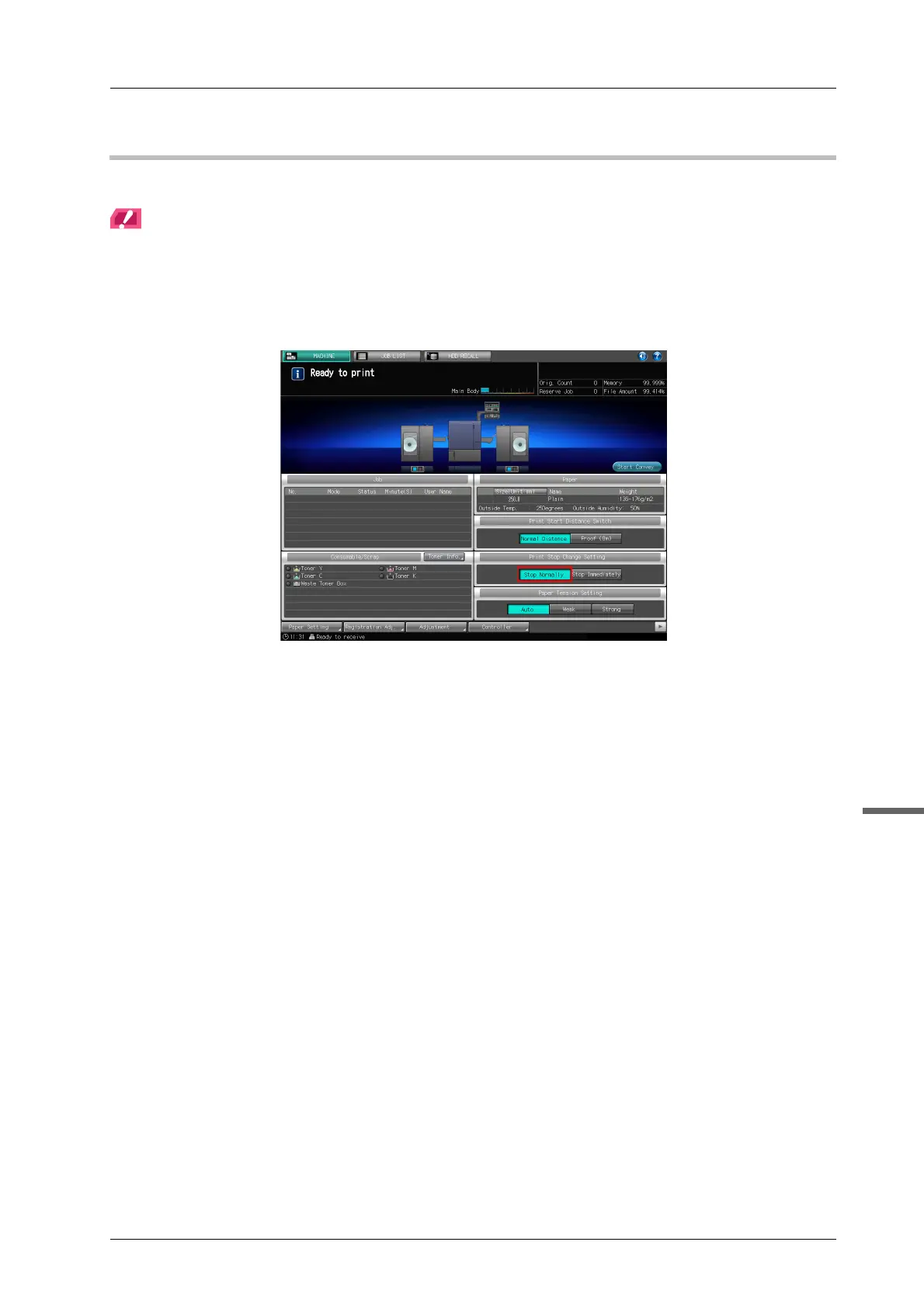
A Press the [MACHINE] tab on the touch panel of the main body and make sure that
[Stop Normally] is selected for [Print Stop Change Setting].
If [Stop Immediately] is selected, press [Stop Normally].



 To Next Page