2-16
2.2 Job Printing
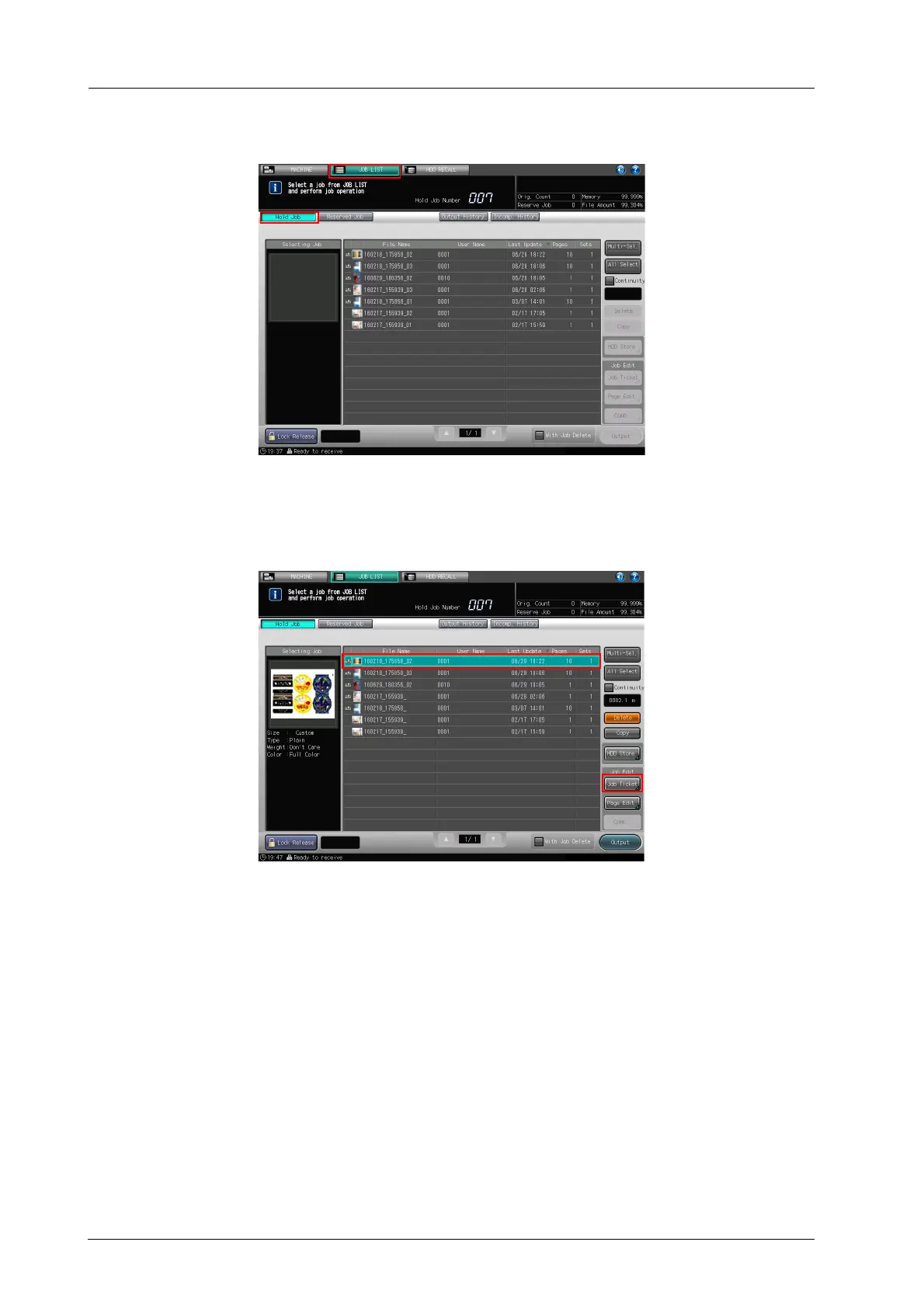
B On the touch panel, press [JOB LIST] and display the [Hold Job] screen.
C Select a job that you want to print, then press [Job Ticket].
If you press [Continuous Job Output] to select multiple jobs, you can only insert the specified blank page
and continuously output jobs while skipping stop processing between jobs, the warm-up operation, and
the paper meandering prevention control operation.



 To Next Page