4-16
bizhub PRESS C71cf
4
Adjusting the Positions of the Media and Parts
Adjust the positions of the media and parts before operating the machine.
NOTICE
When the cleaning is complete, be sure to adjust the positions of the media and parts. Otherwise, the media may
meander or move sideways while being fed.
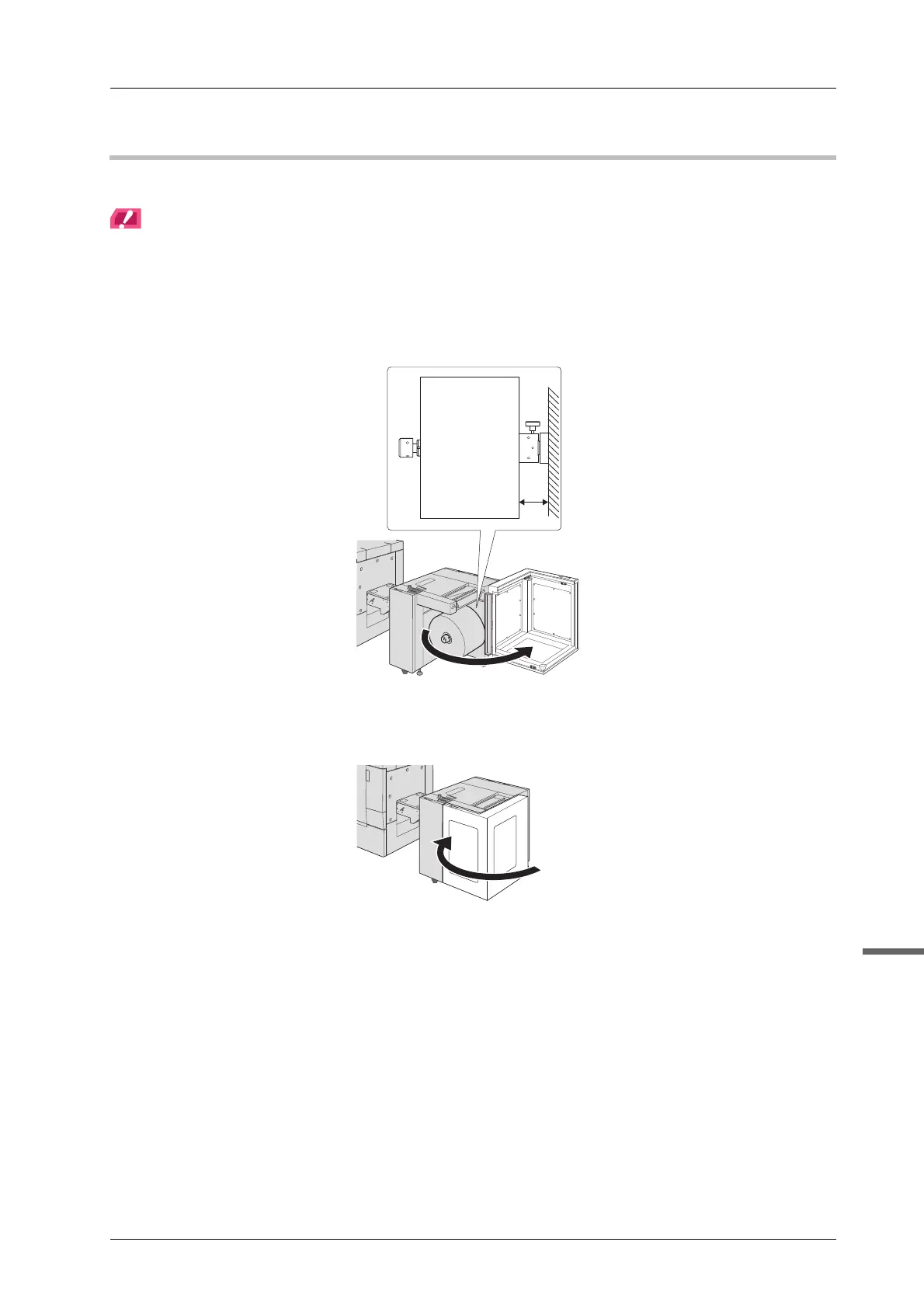
A Open the media cover of Roll Winder RW-101 and make sure that the media is
positioned at 105 mm (±0.25 mm) / 4.13" (±0.01") apart from the metal plate inside of
Roll Winder RW-101.
B Close the media cover of Roll Winder RW-101.



 To Next Page