3-19
bizhub PRESS C71cf
3
Convey the Media
After setting the tension to fit the media, convey the media with this machine, then check the media condition.
NOTICE
When conveying the media, turn on the main power switch and sub power switch of the main body, and the power
switch of Roll Winder RW-101/Roll Winder RW-201.
A Prepare the machine to print.
For details, refer to page 2-4.
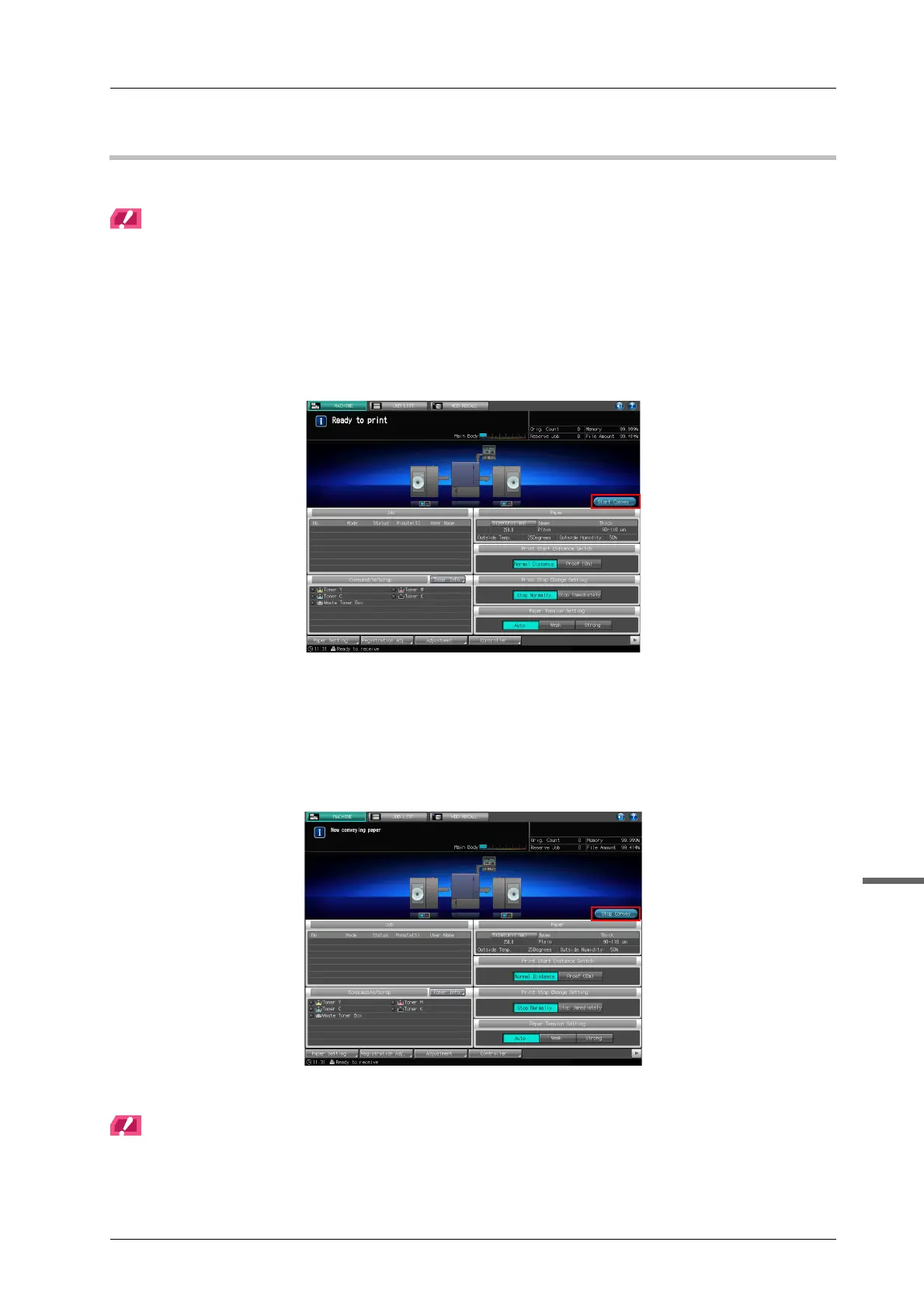
B Press [Start Convey] on the [MACHINE] screen on the touch panel of the main body
to convey the media.
C Check the condition of the media, and press [Stop Convey] on the [MACHINE] screen
on the touch panel of the main body.
- Pressing STOP on the control panel of Roll Winder RW-101 or Roll Winder RW-201 can also stop
the conveyance.
- When replacing the media, convey the media until the interface of the media is wound up to the
winding shaft of Roll Winder RW-201.
To resume conveyance, press [Start Convey] on the touch panel of the main body.
NOTICE
If a trouble such as meandering or mis-centering occurs during media conveyance, refer to HTML User's Guide to
solve such a trouble.



 To Next Page