5-26
5.5 A media feeding error occurs
The JAM code J-1714 is displayed
The jam code J-1714 is displayed when the machine detects that the delivering rollers stop while conveying paper
at a low speed before printing.
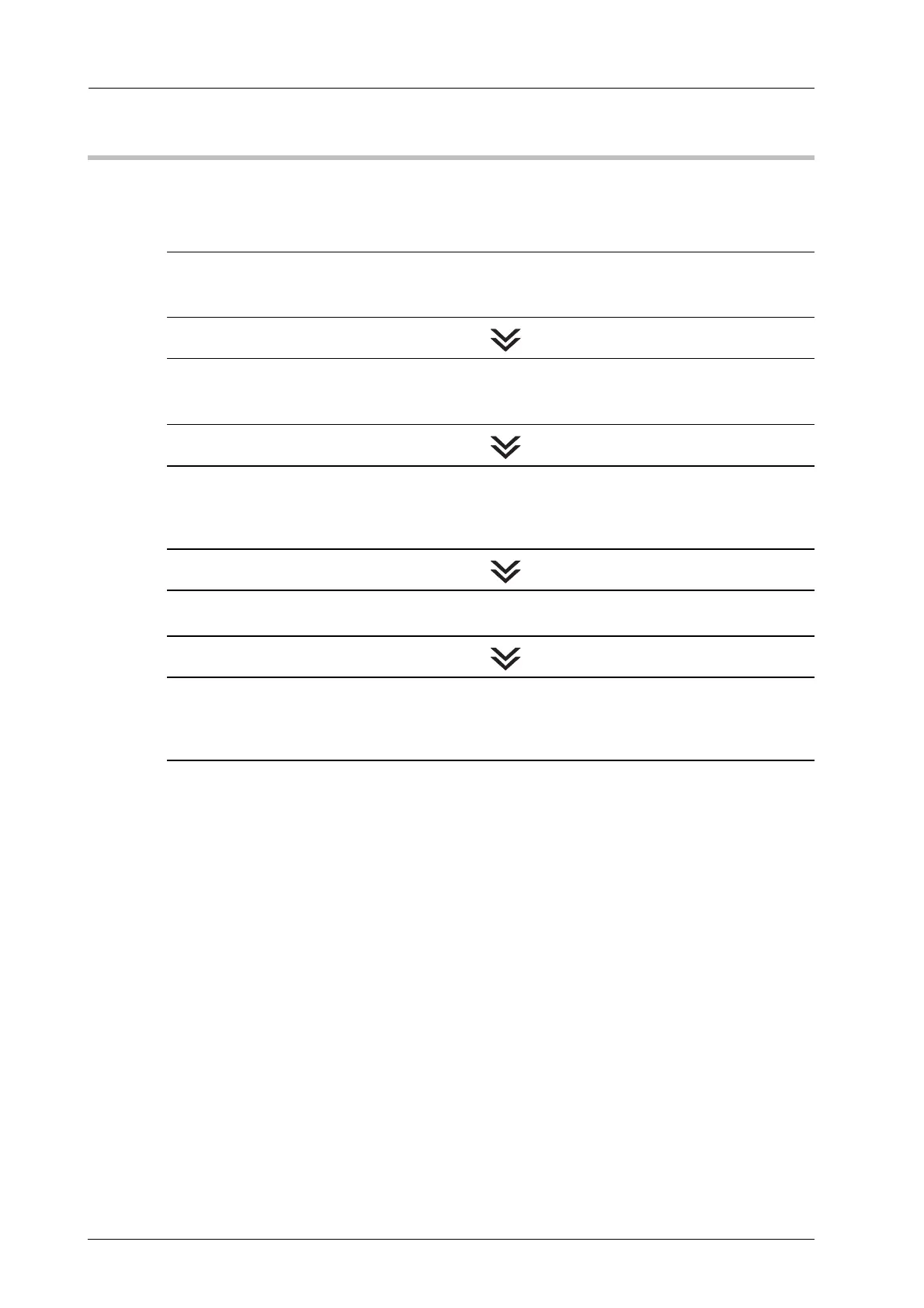
Follow the procedures below to solve the problem:
STEP 1: Checking the Media Tension
Check if the tension setting of the media has been made properly.
% For details, refer to page 3-13.
STEP 2: Checking the Position of the Media and Parts
Check if the media or other parts set in the right position.
% For details, refer to page 4-16.
STEP 3: Cleaning the Adhesive Sticking on the Parts
Clean the media guide and the media guide of the leading section or the delivering section if
it is dirty with adhesive.
% For details, refer to page 4-4 and page 4-9.
STEP 4: Clearing Paper Jams
Open and close the front door of the main body to clear the jam code.
STEP 5: Changing the Tension Setting
If the jam code J-1714 is displayed repeatedly after the procedure mentioned above is
performed, lower the tension by one level.
% For details, refer to page 5-27.



 To Next Page