4-31
4.5 Cleaning the Control Panel
4.5 Cleaning the Control Panel
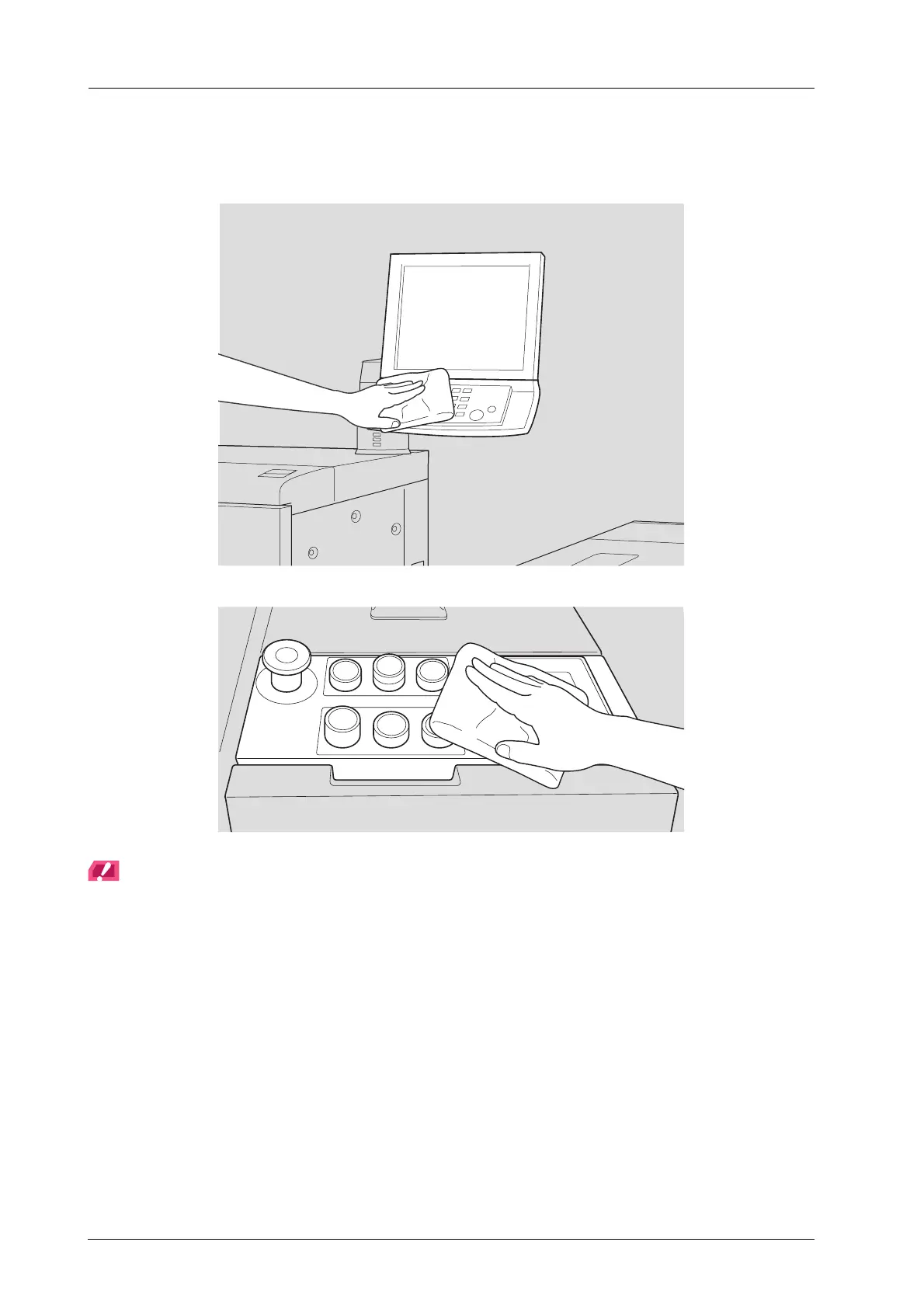
Wipe the surface of the control panel clean using a soft dry cloth.
NOTICE
When cleaning, be careful not to press the control panel buttons and the touch panel too hard. Never use neutral
detergent, glass cleaner, or paint solvents such as benzine or thinners to clean the control panel.



 To Next Page