5-18
5.5 A media feeding error occurs
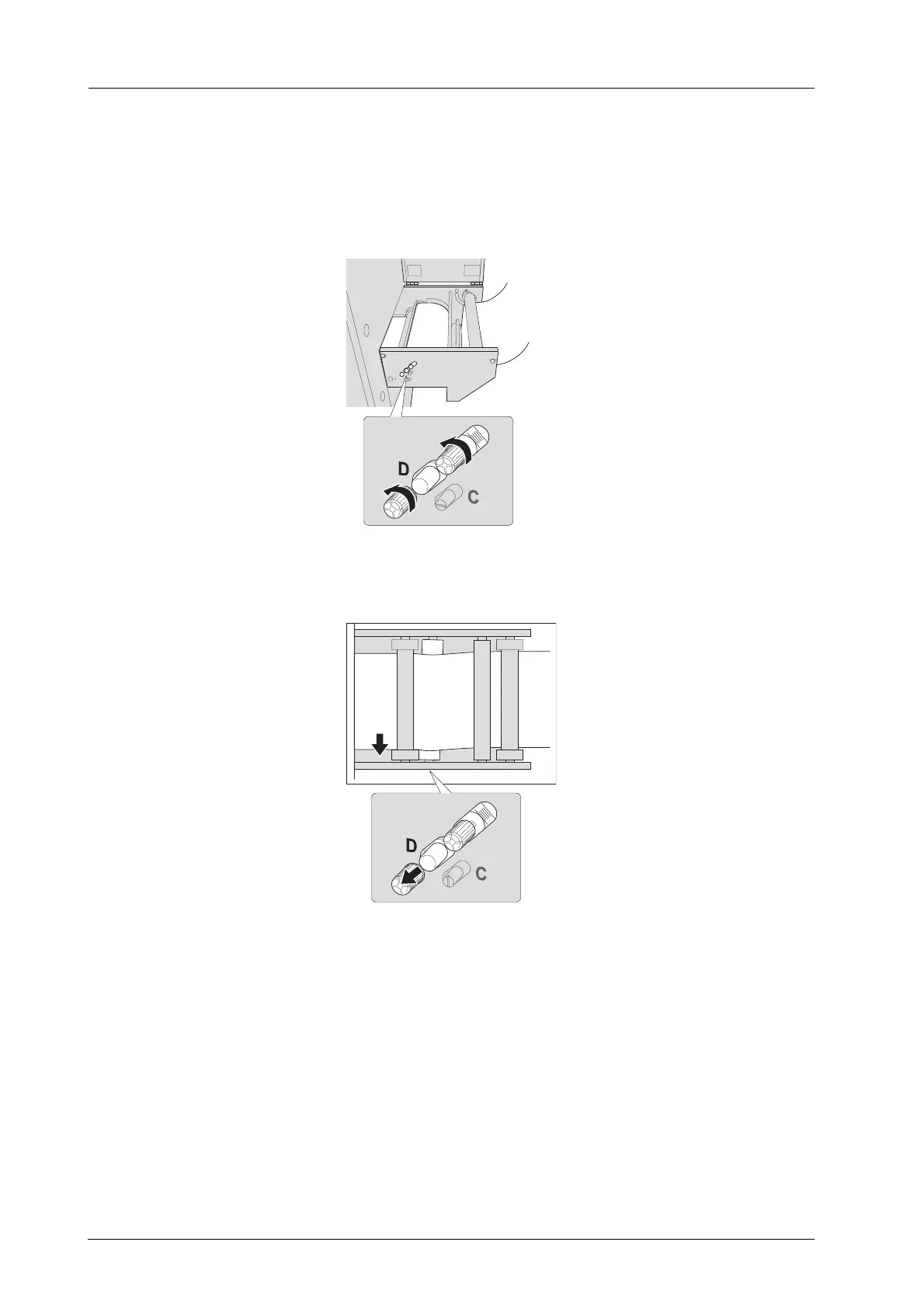
)Resolve a meandering paper issue by adjusting the aligning roller
Adjust the aligning roller and resolve a meandering paper issue.
A During conveyance or print, loosen the two screws on the lateral side of the leading
section.
B Move the knob to right or left by one mark.
- When you move the knob to the left, the media is fed into the printer while curving forward.



 To Next Page