3-17
bizhub PRESS C71cf
3
)Adjusting the position of the tension roller 4 (high/low)
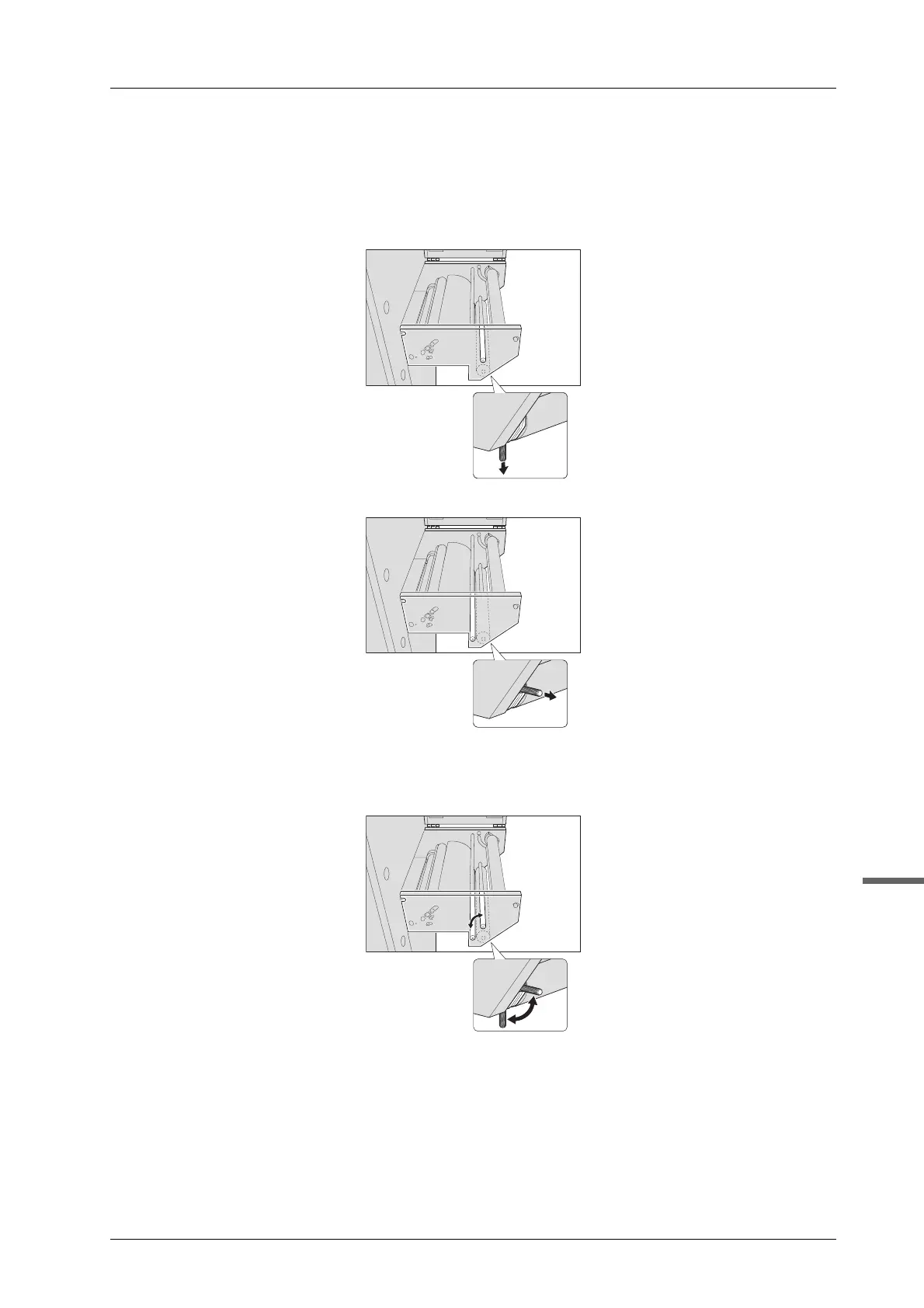
Adjust the tension with the position of the tension roller 4 (high/low).
A Pull the tab on the tension roller 4 to unlock the roller.
To move the roller from the top % bottom
To move the roller from the bottom % top
B Move the tension roller 4 in the groove.
If you want to raise the tension, move it "Top". If you want to lower the tension, move it "Bottom".



 To Next Page