5-3
bizhub PRESS C71cf
5
5.2 Replacing the waste toner box
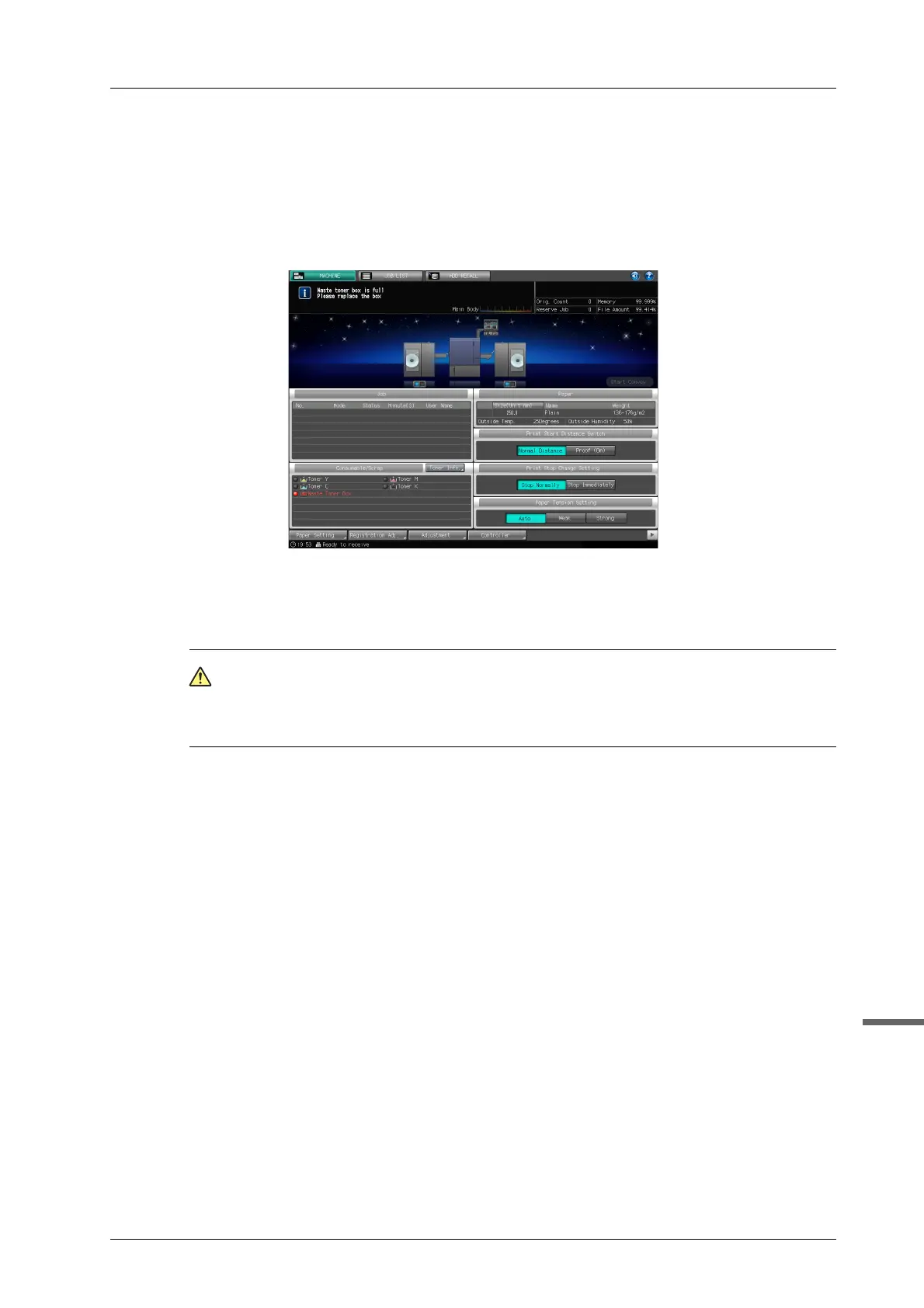
When the waste toner box becomes almost full, the following message will appear in the message area of the screen.
[Waste toner box is full / Please replace the box]
The waste toner box indicator in the [Consumable/Scrap] indicators area of the [MACHINE] screen lights up in red.
When the waste toner box becomes almost full during printing, the current job can be continued (maximum 300 m /
984.3'). Other jobs will not be able to be printed unless the waste toner box is replaced. Jobs can be accepted.
The current job will stop when the waste toner box becomes full.
WARNI NG
NEVER throw the waste toner box into a fire.
- Otherwise, the toner may ignite and cause a dangerous situation.
- For details about handling the waste toner box, contact your service representative.
A Display the help message on the [MACHINE] screen, and then press
[Consumable/Scrap].
B Press the [Waste Toner] tab in the help message area.



 To Next Page