3-18
3.2 Changing the Media
)Specify the Air Level of the Paper Feed Loop Fan (Auto/Weak/Strong)
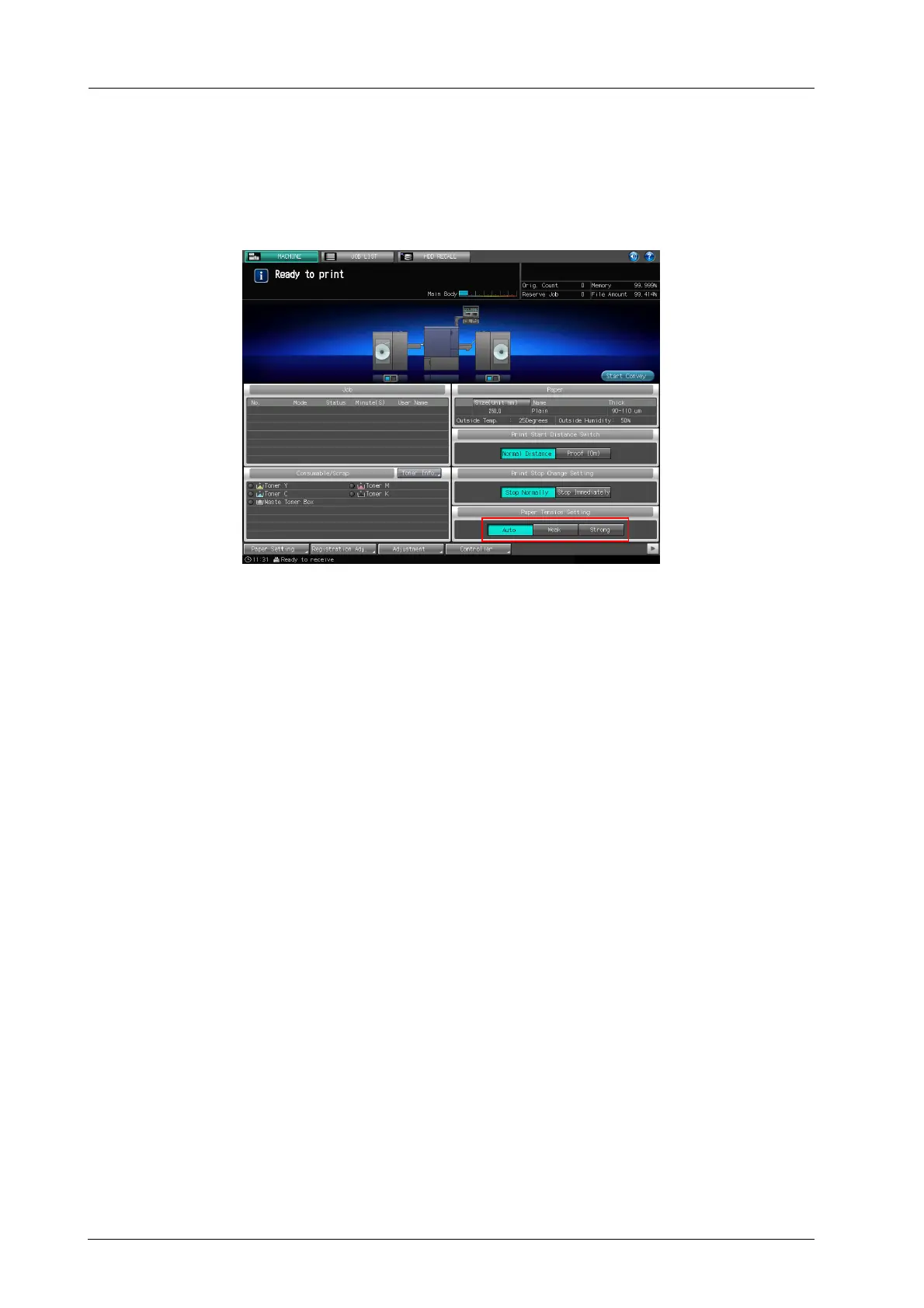
Change the air level of the paper feed loop fan (auto/weak/strong) to adjust the tension.
% Touch [Auto], [Strong], or [Weak] in the [Paper Tension Setting] on the touch panel of the main
body.
- Usually, select [Auto]. When [Auto] is selected, the air level automatically switches according to the
paper setting (paper type or thickness/weight).
- If you want to adjust the air level manually, select [Weak] or [Strong]. If you want to raise the tension,
select [Strong]. If you want to lower the tension, select [Weak].



 To Next Page