5-19
bizhub PRESS C71cf
5
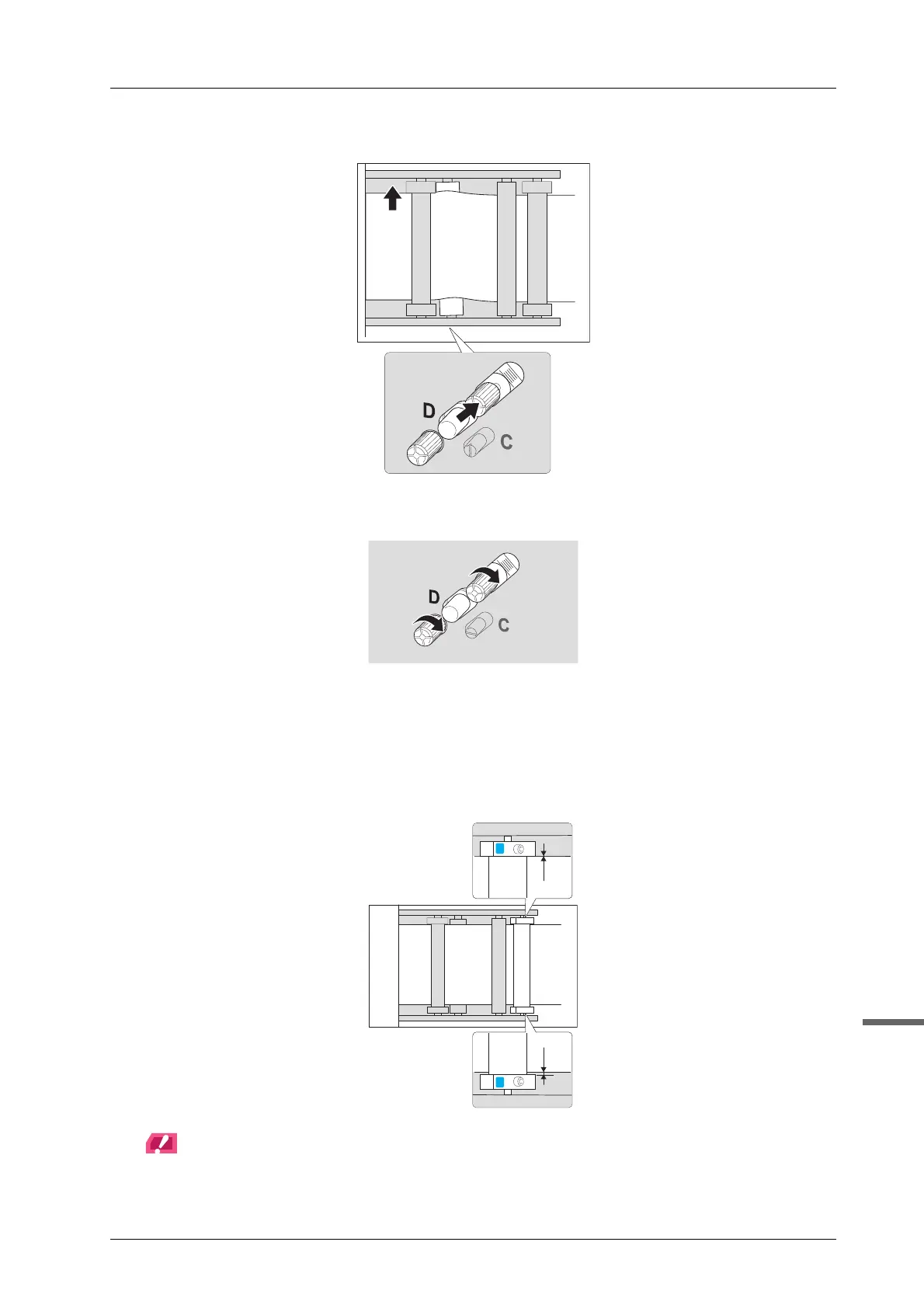
- When you move the knob to the right, the media is fed into the printer while curving backward.
C Tighten the screws.
D Check the conveyance and if the meandering paper issue is not resolved, repeat step
1-3.
When the edge of the media slightly touches the media guide (conveyance guide of tension roller 1) in
the front or back side for 20 or more seconds, the meandering paper issue is resolved. (The figure below
shows an example in which the media edge slightly comes into contact with the media guide in the back
side.)
NOTICE
Be sure to move the knob one mark at a time.
If the error persists, go to page 5-20.



 To Next Page