3-4
3.2 Changing the Media
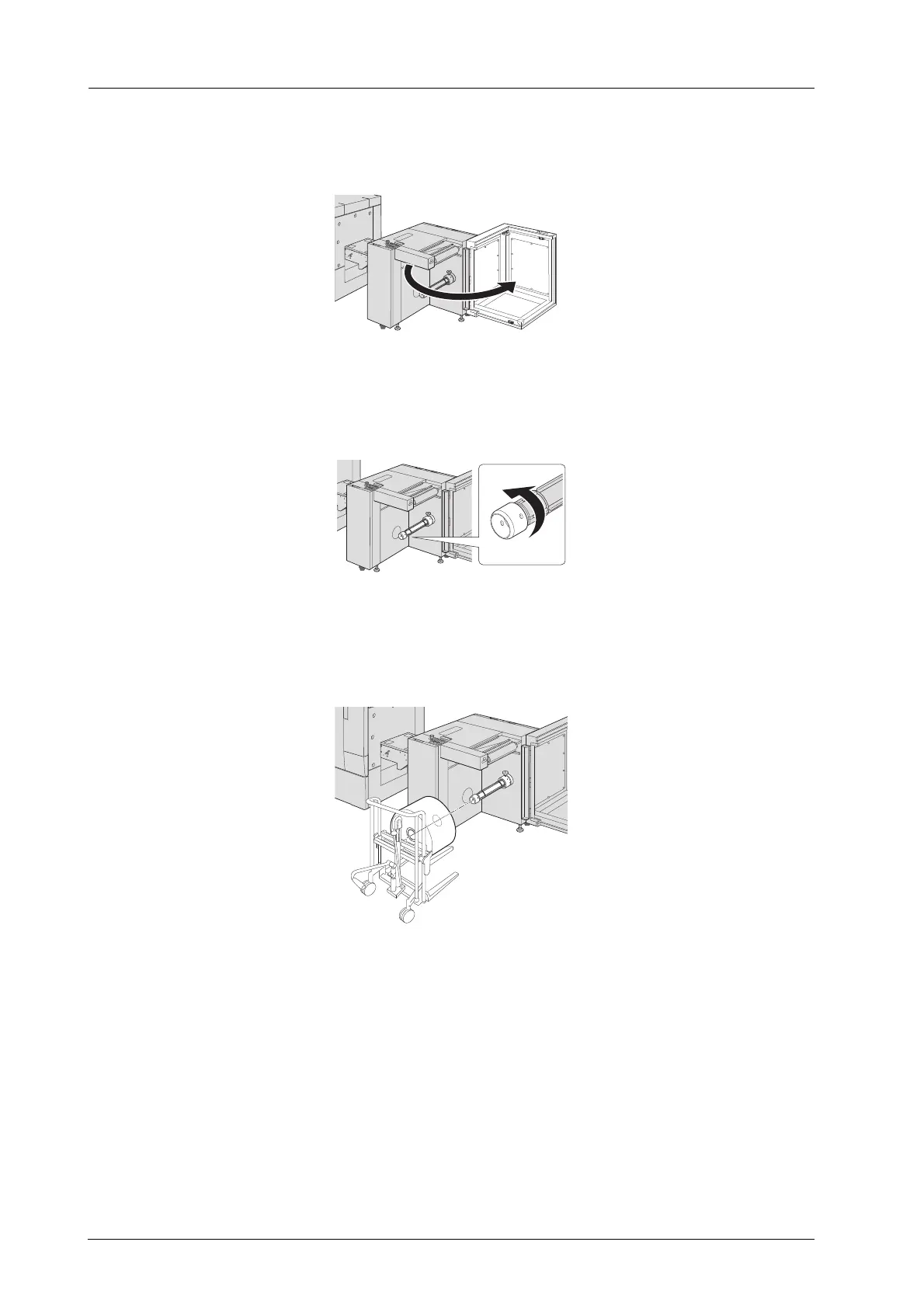
D Open the media cover of Roll Winder RW-101.
Open the media cover fully until it stops.
E Rotate the lug protruding/retracting handle counterclockwise and confirm that the
lug is stored in the feeding shaft.
When the lug protruding/retracting handle is tight and cannot be turned by hand, pass a Phillips
screwdriver etc. through the hole of the lug protruding/retracting handle and rotate.
F Remove the media core of the unchanged media from the feeding shaft.
If the remaining amount of media is large, it will be heavy. Remove the media using a lifter, etc.
G Using a lifter, adjust the center of the media core and feeding shaft.



 To Next Page