5-13
bizhub PRESS C71cf
5
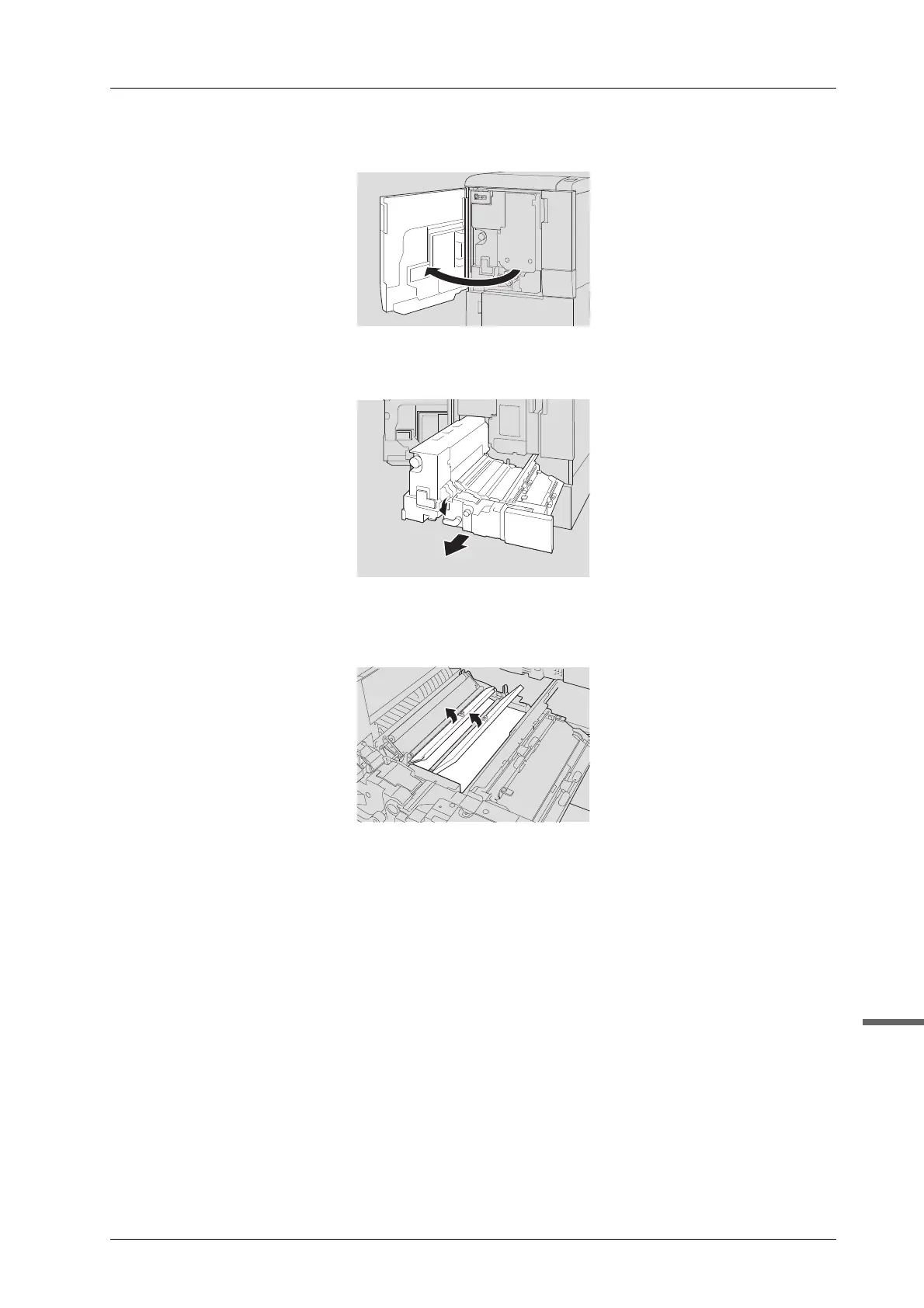
D Open the front door of the main body.
E Move the lever [M1] to the left, then pull out the ADU.
F Open the cover [M2] and cover [M3] and check for adhesive sticking or paper
remaining inside the machine.
- If any adhesive sticks to the parts, clean inside the machine.
Check if adhesive peeled from the pasted part and stuck to the guide plate as well as adhesive
running off the edge of the media.
- If paper remains, remove it.
- If the JAM code [J-3112] is displayed, check if the centering sensor located behind the cover [M3]
is clean.



 To Next Page