5-15
bizhub PRESS C71cf
5
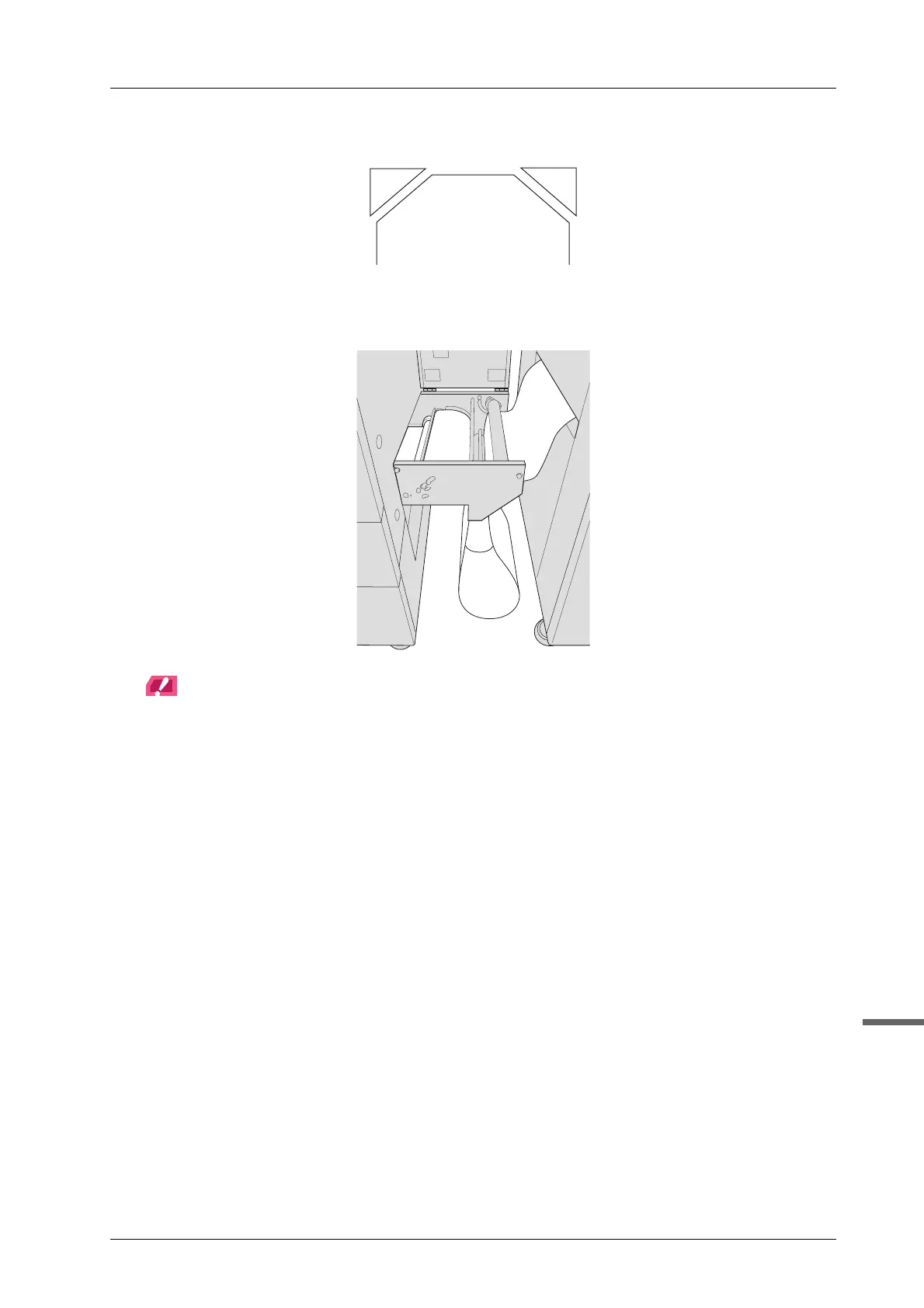
J Cut the tips of the media in the leading section into triangle strips.
K Set a media to the leading section.
Pull out paper underneath the leading section.
NOTICE
Be careful not to let the pulled media be touched on the floor.
L Set a media on the machine.
For details, refer to page 4-27.
M Tape the media on the workbench.
For details, refer to page 3-24.



 To Next Page